AI portraits
See Yourself: an AI photoshoot of you in any pose
See Yourself gives you an AI photoshoot of yourself in any pose from the Poses4You library. Pick a pose, add one to three photos of your face, and get an AI portrait of you in that pose. Save the portraits you like, share them, and find them all together in the app.
Every pose in the library is a professionally made image, so you start from a pose that already looks like a finished photo. Try a look before a real shoot, make a portrait to share, or find the poses you feel good in. Your photos leave the phone only for the AI features, and they go into private storage.
 Get the app
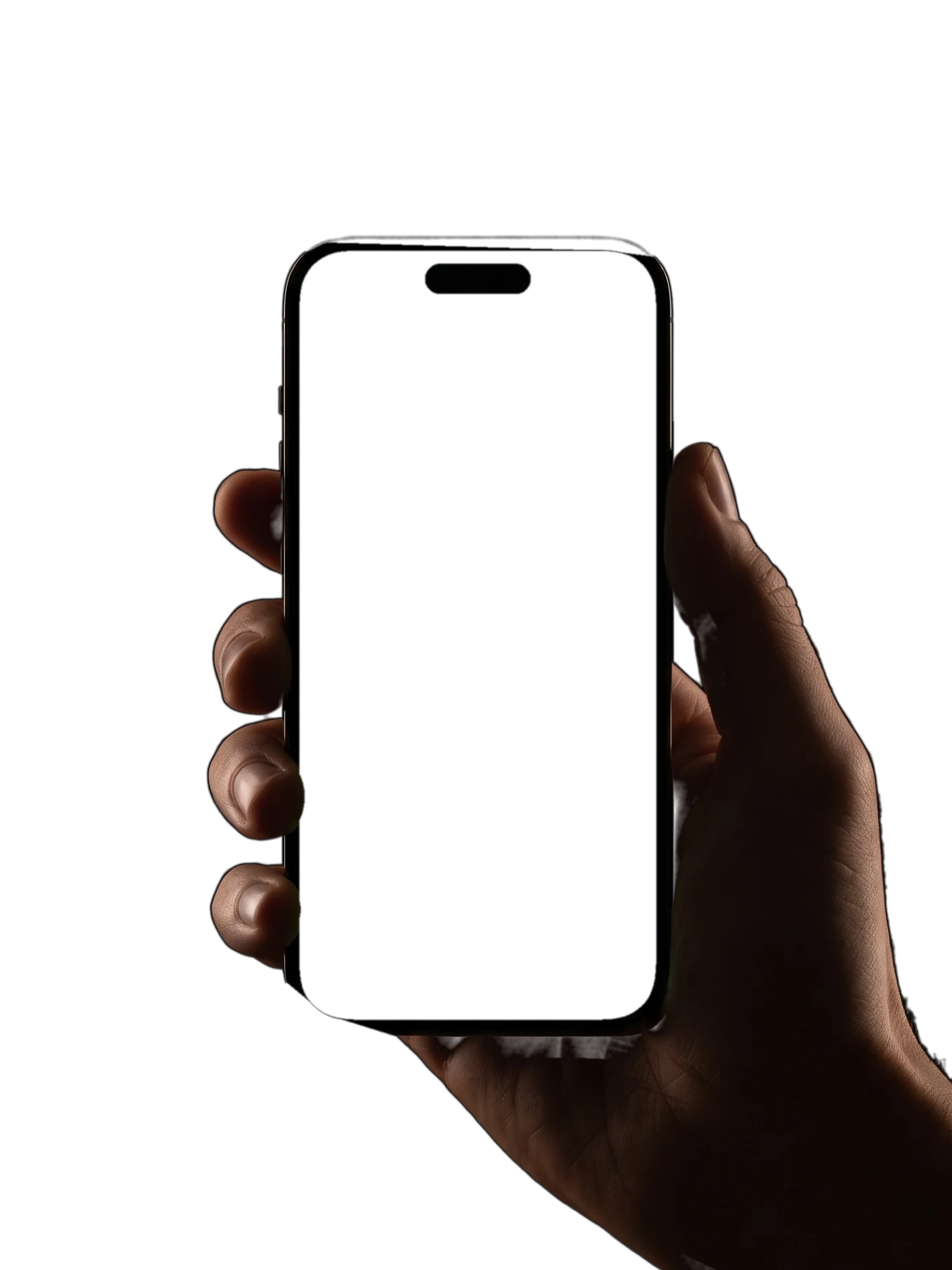
How See Yourself works
Four steps take you from a pose you like to an AI portrait of you.
- 1
Pick a pose
Open any pose page and tap "See yourself in it", or start from See Yourself in the Studio tab. The option sits on every pose page, so a pose from search, a category or a board works the same way.
- 2
Add one to three photos of your face
Add between one and three photos of your face. Pick clear, well-lit photos where your face is easy to see and uncovered. The photos go into private storage, and Settings lets you delete single items.
- 3
Get your AI portrait
See Yourself makes an AI portrait of you in the pose you picked, so you see how the shape looks on you. Back on the pose page, the two numbered cues and the notes on weight, shoulders and hips show how to copy the pose.
- 4
Save, share and keep every portrait
Save the portraits you like and share them with friends or with your photographer. All your portraits stay together in the app, ready to compare before a shoot.
What an AI photoshoot in Poses4You is for
An AI photoshoot of yourself answers one question before you step in front of a camera: how would this pose look on me? See Yourself shows you, so you walk into the shoot with poses you already like.
Test a few looks before you book a session, plan the photos you want from a trip, or make a portrait to share. Playful, elegant and dramatic poses all work, from a studio laugh to coffee by a window.
For a portrait, start with half-body poses, which keep your face large in the frame. Match the mood to the photo you need: playful for a friendly profile picture, elegant or dramatic for a portfolio. Search filters for framing, mood and setting narrow the library to the kind of photo you want.
Each portrait starts from a real pose in the library, with its own cues and notes. Save the pose to a board for the shoot. On the day, Live Guide puts the same pose over the live camera view for you to copy.
Who See Yourself is for
See Yourself is for anyone who wants to feel confident in front of the camera. You do not need modeling experience, a studio or a photographer to see yourself in a pose. Try a bold pose you would skip on a real shoot, and keep the portrait if you like the result.
If you have a trip coming up, try a few poses for the places on your list and save the ones you like. The page on poses for travelers has more ideas for your trip.
If you model, test a pose on yourself before a casting or a test shoot, then rehearse the pose. Poses4You for models shows how the cues, boards and Live Guide fit into your prep.
If you photograph clients, suggest they try a few poses in See Yourself before the session. They arrive with favorites, and you start the shoot with a plan. More on this in Poses4You for photographers.
Poses to try with See Yourself
Six half-body poses to start with, from a studio laugh and a picnic on the grass to coffee by a window. Open any of them in the app to see yourself in the pose.
- P-10939
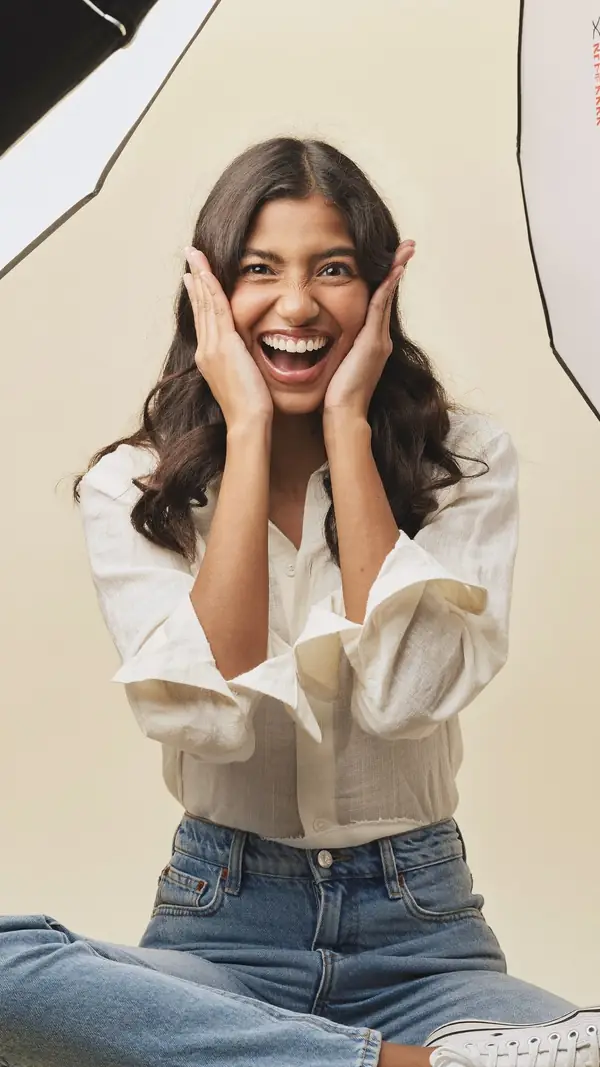
Seated Woman
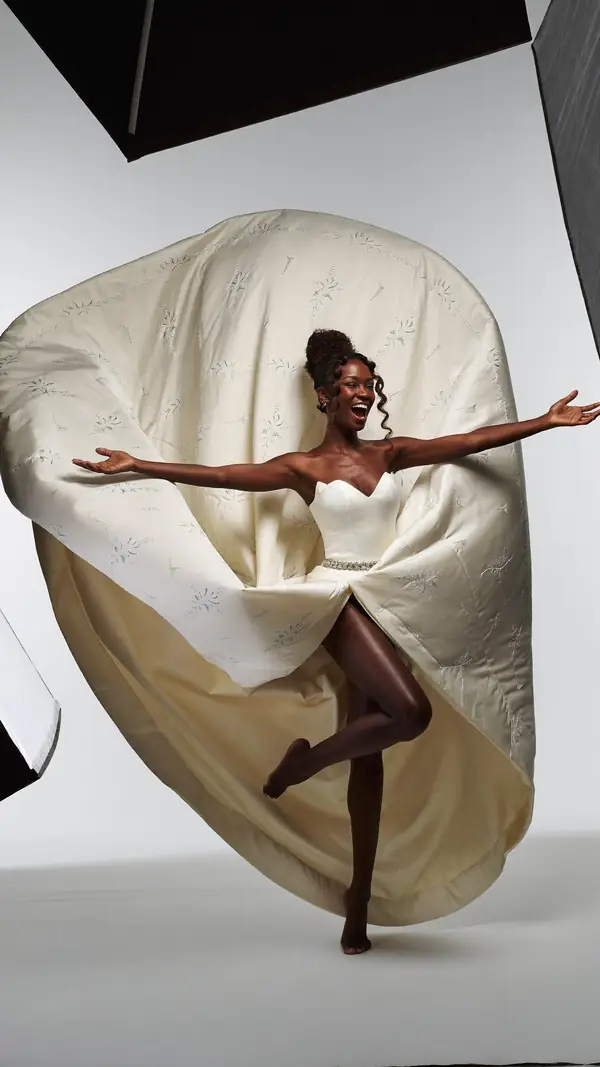
beginner- 1Cup both hands on your cheeks
- 2Eyes wide, big open laugh
- Weight
- Seated on the floor
- Shoulders
- 5° drops left
- Hips
- 1° level
playful · studio gray · half body
- P-9476
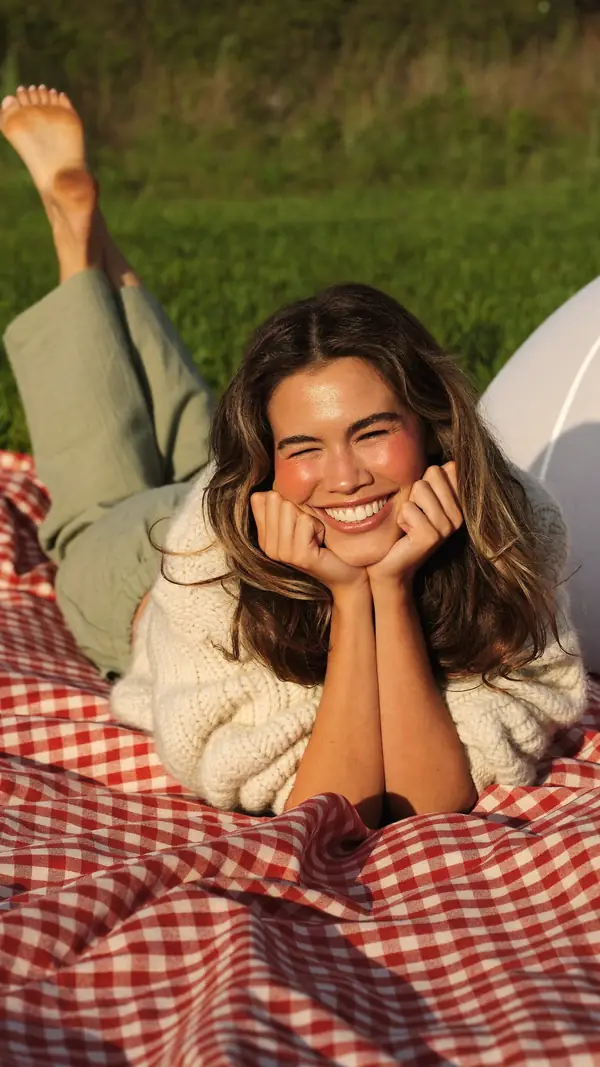
Lying Woman
beginner- 1Rest the chin on both hands
- 2Kick both feet up behind you
- Weight
- Propped on both elbows
- Shoulders
- 4° drops left
- Hips
- 26° drops left
playful · nature · half body
- P-12332
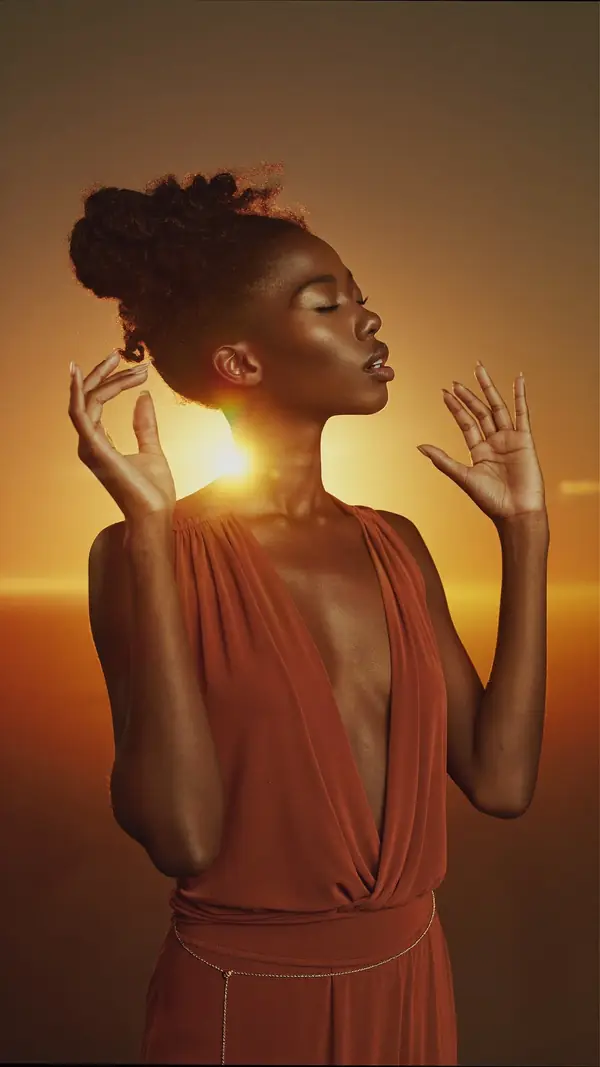
Standing Woman
intermediate- 1Hands soft, fingers apart
- 2Tip the chin up gently
- Weight
- Upper body only
- Shoulders
- 2° drops left
- Hips
- 12° drops left
elegant · outdoor · half body
- P-11123
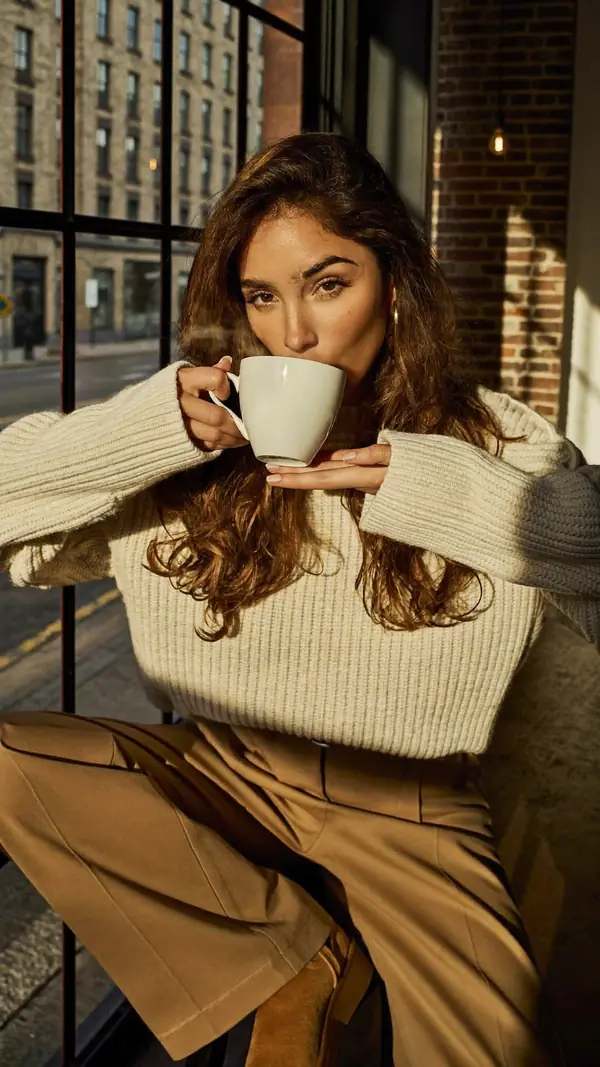
Seated Woman
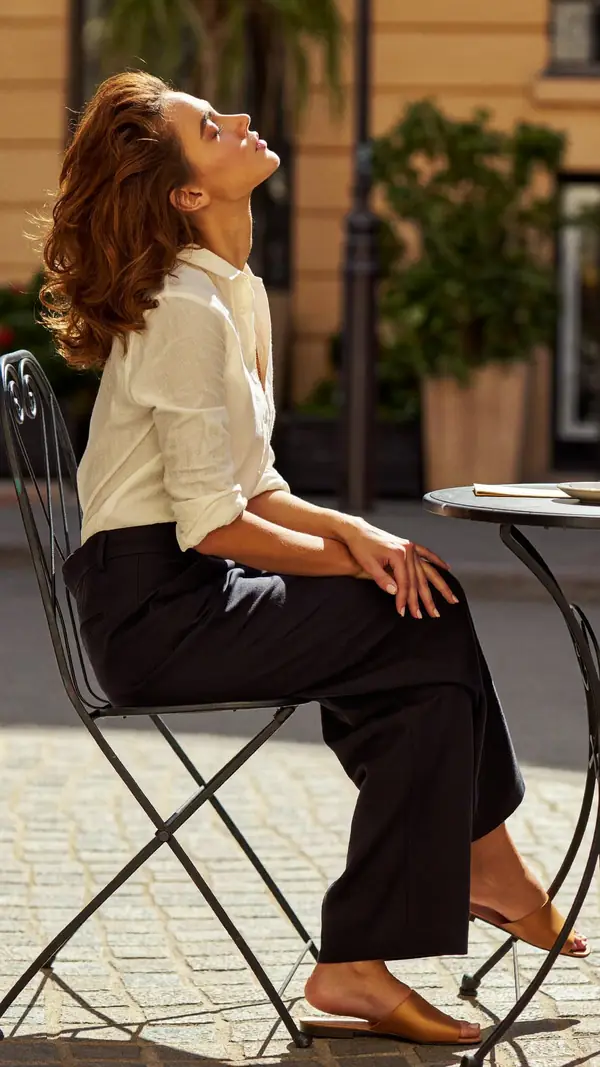
intermediate- 1Bring the cup to your lips
- 2Eyes over the rim to lens
- Weight
- Seated, weight on hips
- Shoulders
- 0° level
- Hips
- 12° drops right
elegant · chair · half body
- P-9955
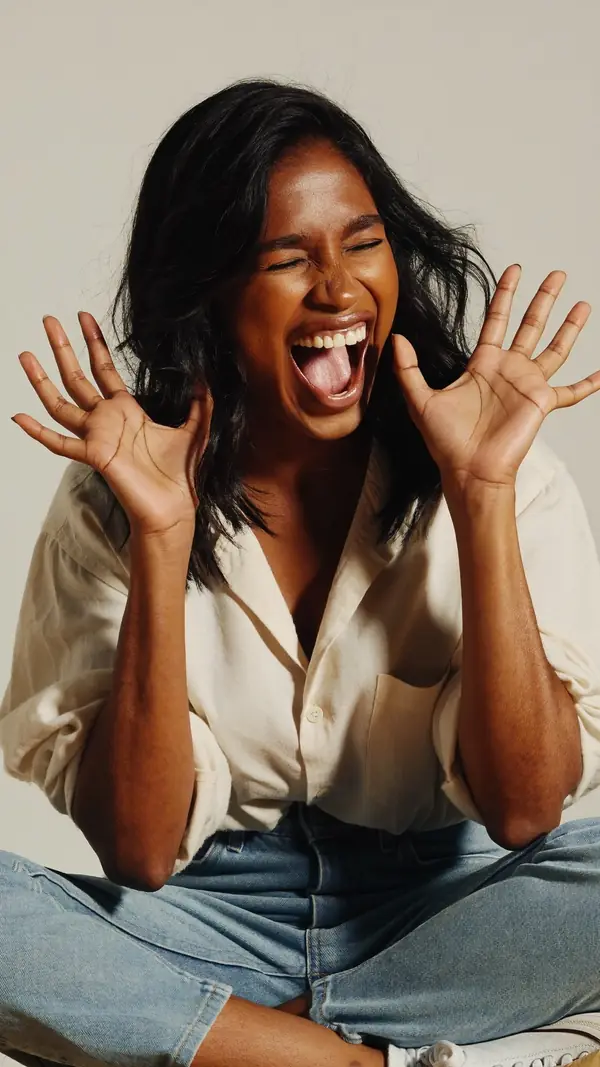
Seated Woman
beginner- 1Open both palms beside the face
- 2Eyes closed, laugh out loud
- Weight
- Seated on the floor
- Shoulders
- 4° drops left
- Hips
- 5° drops left
playful · studio gray · half body
- P-12159

Seated Woman
intermediate- 1Drive the elbow into the table
- 2Open the mouth, gaze away
- Weight
- Weight on one elbow
- Shoulders
- 1° level
- Hips
- 13° drops left
dramatic · desk · half body
See Yourself questions
What is an AI photoshoot?
An AI photoshoot makes portraits of you without a studio, a location or a camera crew. In Poses4You, See Yourself makes an AI portrait of you in a pose you pick, from one to three photos of your face.
How many photos of my face do I need?
You need between one and three photos of your face. Pick clear, well-lit photos where your face is easy to see and uncovered.
Which poses work with See Yourself?
Every pose page offers "See yourself in it", whether you found the pose in search, in a category or on a board. Pick any of the more than 12,000 poses and see yourself in a pose you chose.
Where do my photos go?
Your photos leave the phone only for the AI features, See Yourself and Pose Finder, and they go into private storage. Delete single items or your whole account from Settings.
Can I share my AI portraits?
Yes. Save the portraits you like, share them, and see all of them together in the app. The pose behind each portrait stays in the library, ready to copy for real on the day.
Keep exploring
Related pages
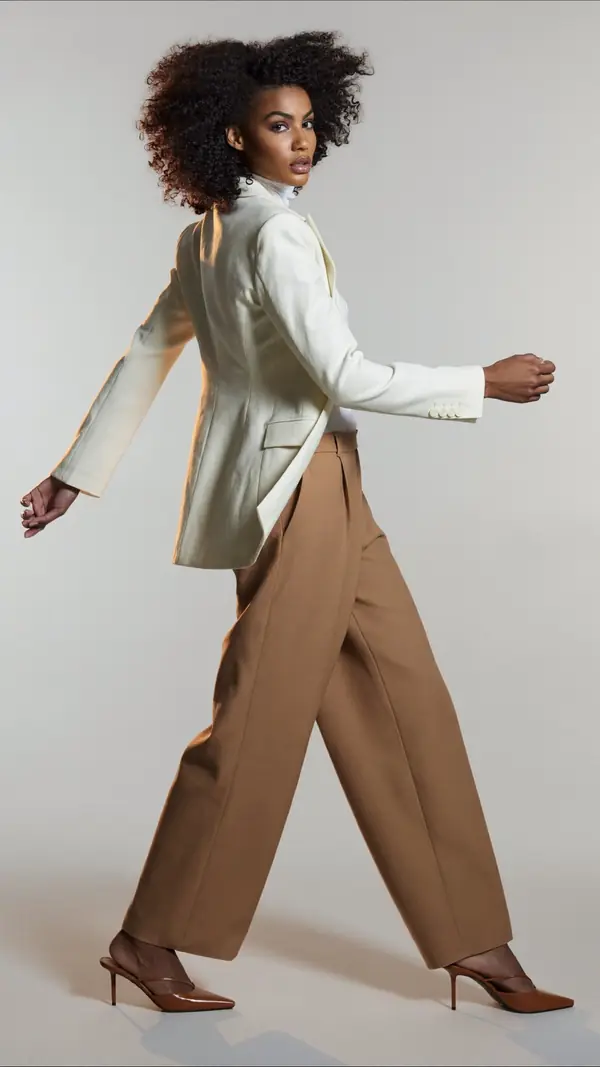 In the appPose FinderAdd a photo and get poses that fit its framing, setting, mood and subject.
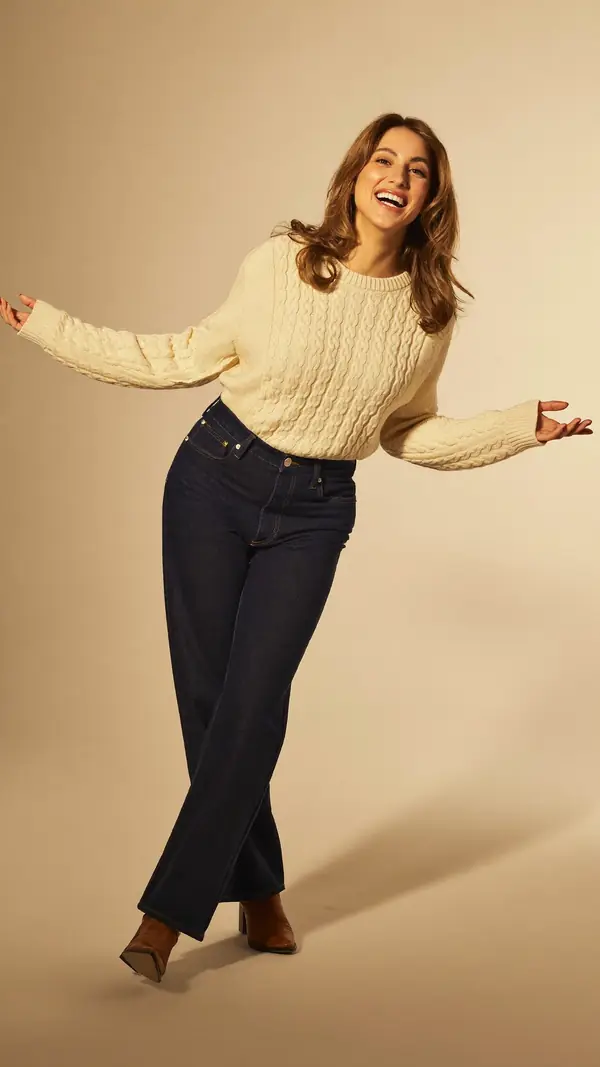 In the appLive GuideThe pose sits over the live camera view, and Auto capture takes the photo when the pose holds.
 In the appBoards and On setSave poses into a board for each shoot, then show them full screen on the day.
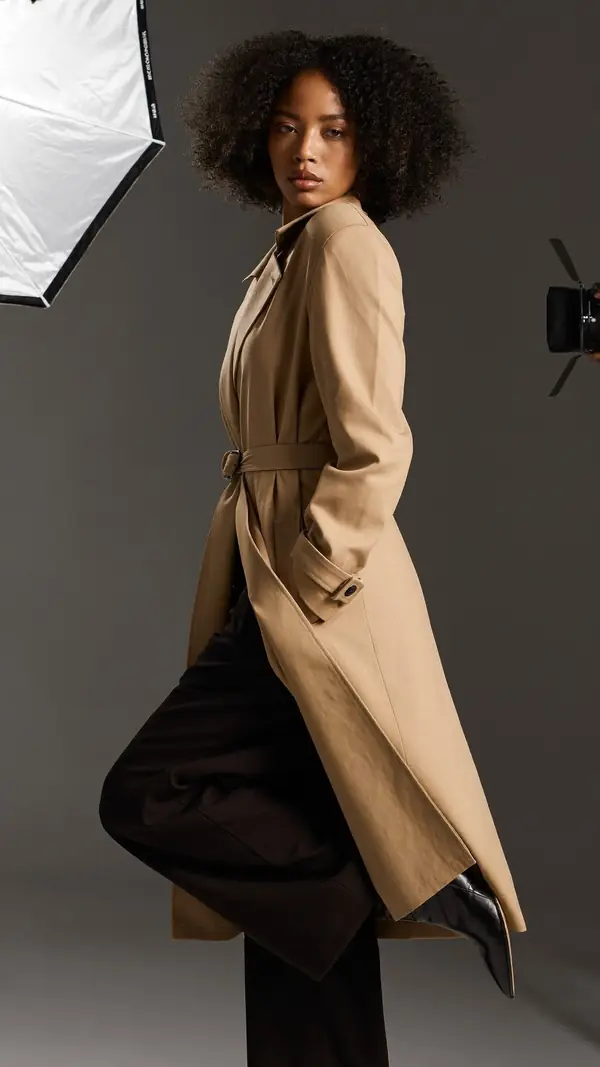 Who it's forFor modelsLearn poses from two cues each and rehearse them with Live Guide before the shoot.
 Who it's forFor travelersTravel photo poses for everyday people, saved to a board and lined up with Live Guide.
From pose ideas to directing the shotFrom pose ideas to directing the shot
Free to download on iPhone.