App features
A posing app for every step of the shoot
Poses4You is a posing app for iPhone, built around more than 12,000 professionally made photo poses. Each pose page shows two numbered cues on the photo, notes on weight, shoulders and hips, and a level from beginner to advanced.
These features take a pose from the library to the shoot. Plan on a board, see yourself in a pose, match poses live and show each one full screen on the day.
All posing app features
- In the appSee YourselfPick a pose, add photos of your face and get an AI portrait of you in the pose.

- In the appLive GuideThe pose sits over the live camera view, and Auto capture takes the photo when the pose holds.
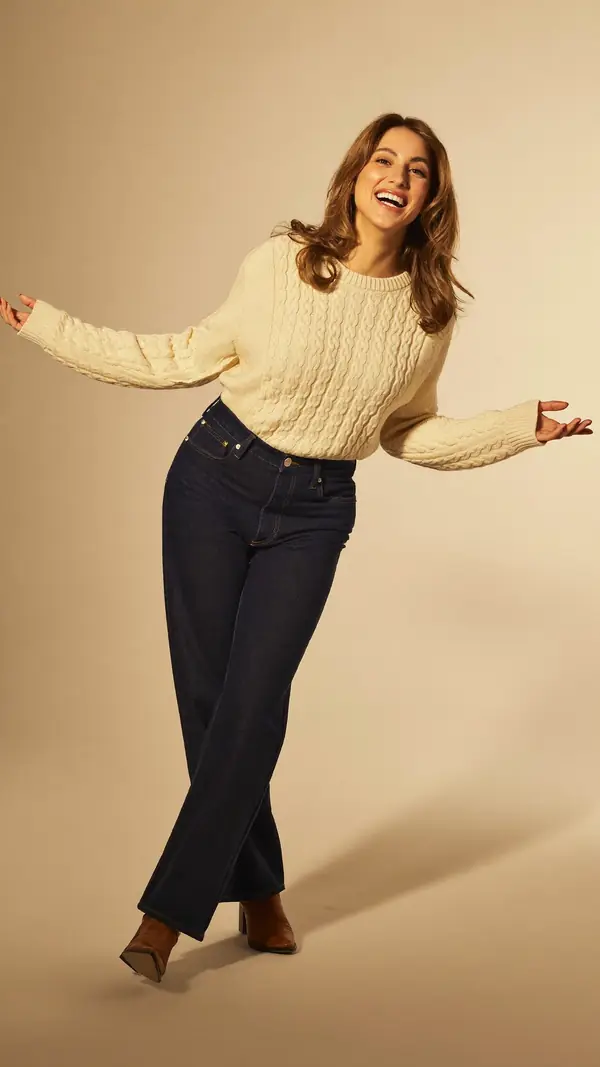
- In the appPose FinderAdd a photo and get poses that fit its framing, setting, mood and subject.
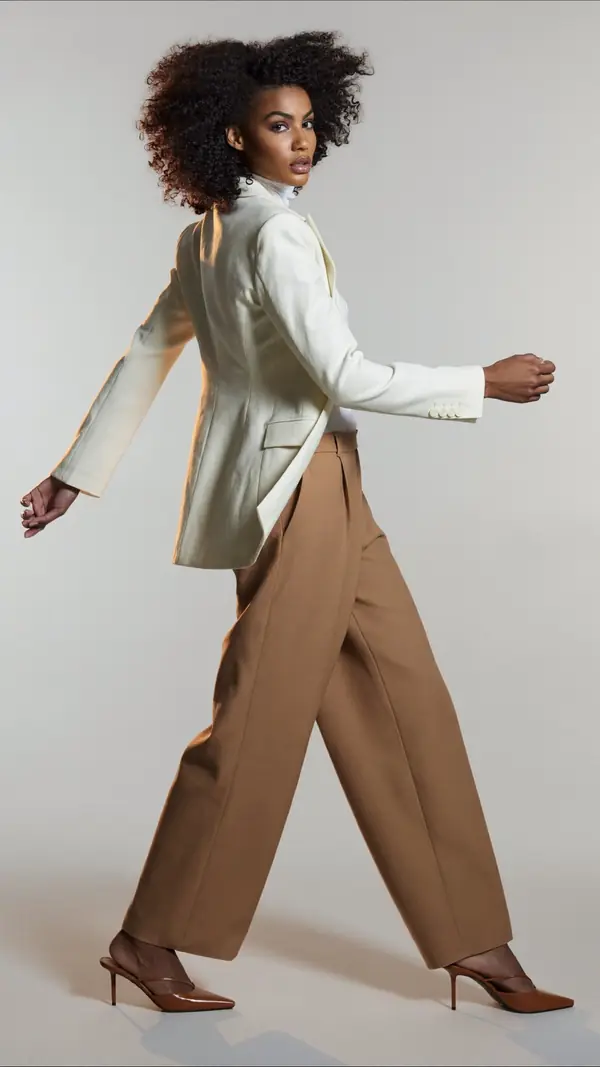
- In the appBoards and On setSave poses into a board for each shoot, then show them full screen on the day.
Inside the posing app, feature by feature
Live Guide sets the pose over the live camera view, with its guide lines and an opacity slider. On iPhone, the app detects the body, draws a live skeleton over the person and lights up each matching limb.
Save poses into a board for each shoot, so your client sees the look and feel before the day. On set then shows the board full screen on true black for the person being photographed. The screen stays awake, and you swipe through the poses.
The Studio tab holds the two AI tools. See Yourself makes an AI portrait of you in the pose you picked, from one to three photos of your face. With Pose Finder, you add a photo and get poses that fit it.
A posing guide app on every pose page
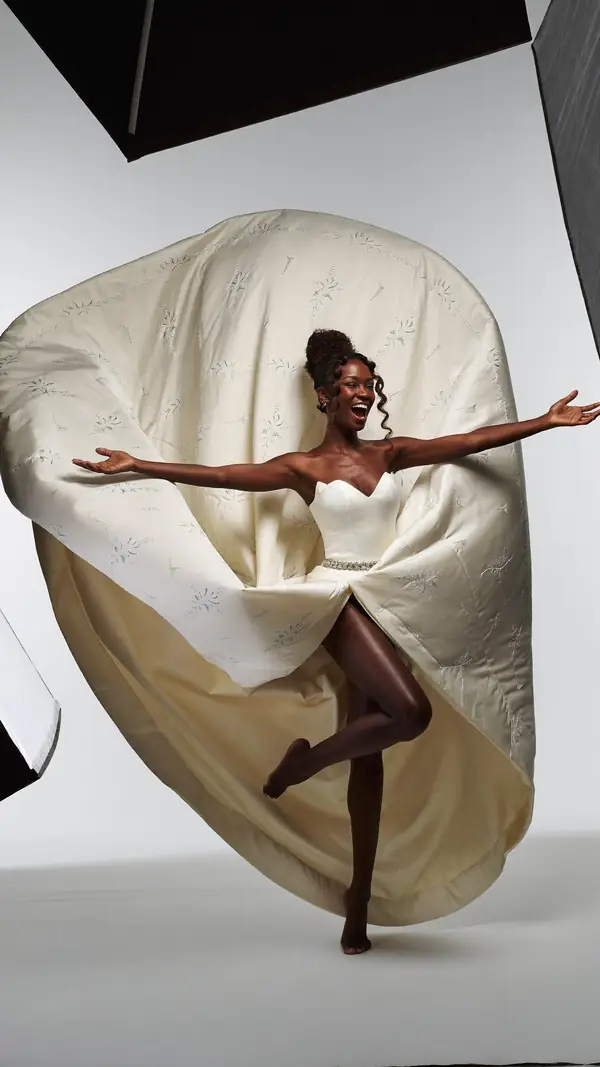
Poses4You is also a posing guide app, because every pose comes with its own instructions. Two numbered cues sit on each photo, and on one studio pose they read "Arms wide, palms open" and "Chest open, shoulders back". Rows cover weight, shoulders, hips, framing and camera height, and gold guide lines trace the body on 96% of poses.
Search the way you would describe the shoot. Smart search reads "portrait with dogs" as two parts and lists the poses with both parts first. Close matches follow under Similar and say what they lack, and all 48 categories sit one tap away under the search bar. To browse before you download, the pose ideas pages show real poses by category.
The posing app is for models, photographers and everyday people, including anyone who wants poses for a trip. See how photographers plan shoots with boards and how travelers pick poses before a trip.
Questions about the posing app
Is there an app that shows you how to pose?
Yes. Poses4You is a posing app for iPhone with more than 12,000 poses. Each pose page shows two numbered cues on the photo and notes on weight, shoulders, hips, framing and camera height. Live Guide then sets the pose over your camera view.
Is the pose app free to download?
Yes. Poses4You is free to download from the App Store, and it also runs on iPad. Browse poses and open 3 pose pages before you make an account, then sign in with Apple, Google or email.
Does the app take the photo when the pose matches?
Yes. In Live Guide, each matching limb lights up, and Auto capture takes the photo when the pose holds. Set the tolerance to Standard or Strict, depending on how close the match needs to be.
What happens to my photos in the AI features?
Your photos leave the phone only for the AI features, Pose Finder and See Yourself, and they go into private storage. Delete single items or your whole account from Settings in the app.
Keep exploring
Related pages
 Pose ideasMore than 12,000 poses by category, each with two numbered cues to copy.
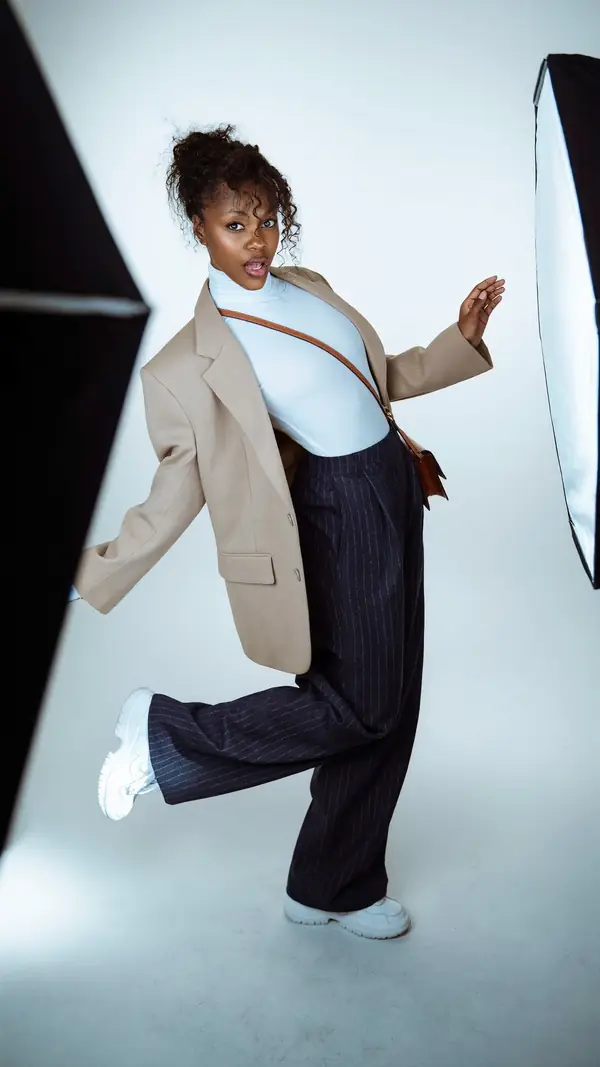 Who it's forHow photographers, models, couples and travelers use Poses4You to plan and take photos.
 7 min readPosing for a photoshootPlan your poses, practice them and keep moving on set, with eight intermediate poses to learn.
 Download the appDownload Poses4You free from the App Store on iPhone or iPad.
From pose ideas to directing the shotFrom pose ideas to directing the shot
Free to download on iPhone.