Live pose guide
Live Guide: a pose camera that checks your pose live
Live Guide is the pose camera inside Poses4You. Point your iPhone at the person you are photographing, and the pose sits over the live view with its guide lines. Slide the opacity until you see the pose and the person at once.
On iPhone, the app detects the body and draws a live skeleton over the person, with framing cues. Each limb lights up as it matches the pose. Hold the pose to confirm the match, and Auto capture takes the photo when the pose holds.
 Get the app
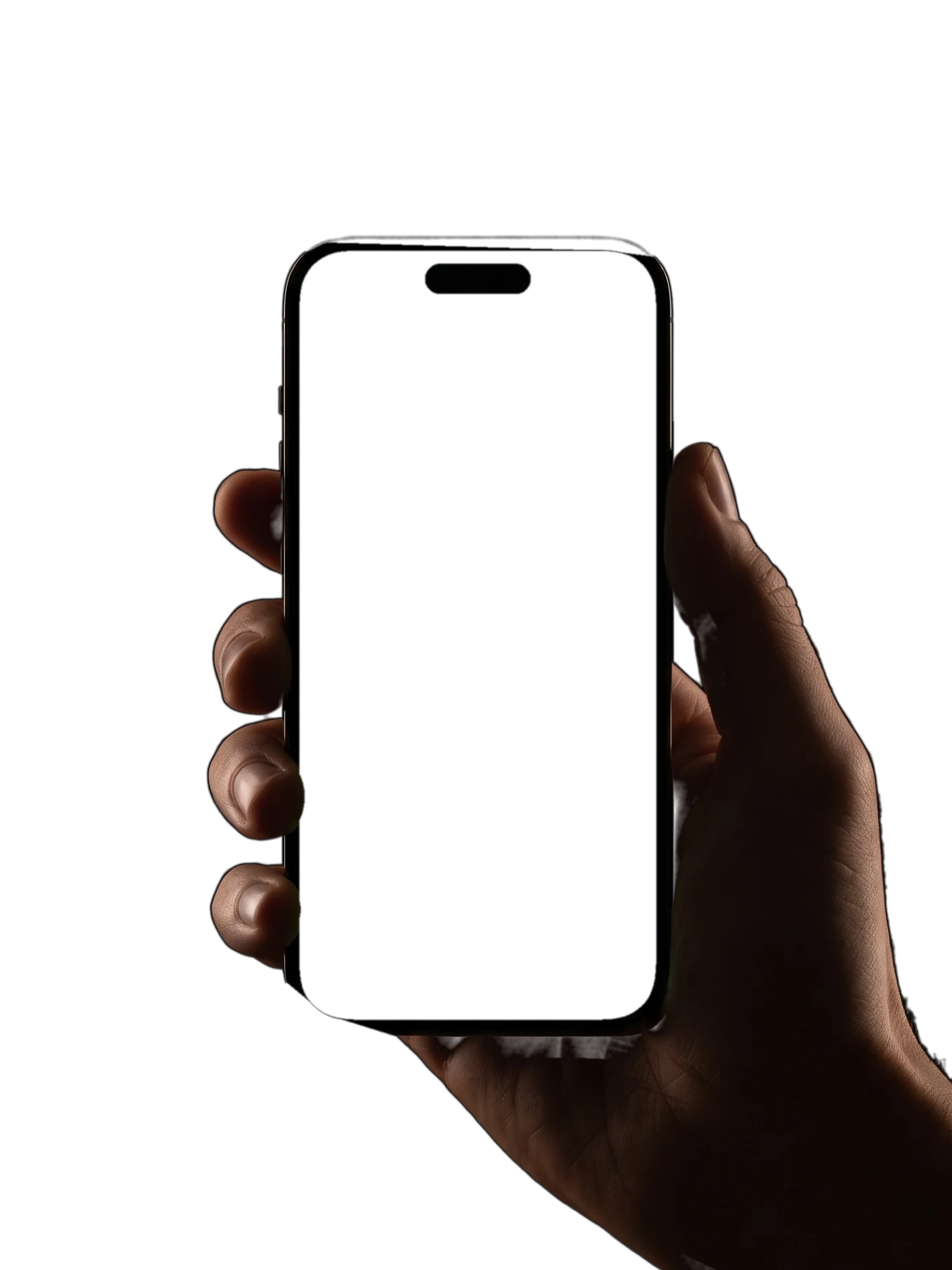
How Live Guide works
- 1
Open a pose in Live Guide
Pick a pose in the library and open it in Live Guide. Of the more than 12,000 poses, 96% carry gold guide lines that trace the shape of the pose.
- 2
Point the camera at the person
The pose sits over the live view as a pose overlay, with its guide lines. Use the opacity slider to fade the pose in or out while the person lines up with the shape.
- 3
Match each limb on iPhone
On iPhone, body detection draws a live skeleton over the person, with framing cues. Each limb lights up as it matches, so you can tell the person which arm or leg still needs to move.
- 4
Hold to confirm
Once the limbs match, the person holds the pose to confirm. Pick Standard tolerance for a relaxed match, or Strict when the pose needs to be exact.
- 5
Let Auto capture take the photo
Auto capture takes the photo when the pose holds. You keep your eyes on the person instead of on the shutter button.
What a pose camera is for
A pose camera shows the pose and the person in one view. Without one, you check a reference photo, look back at the person and guess how close you are.
With the pose over the live view, you match the bend of a knee or the turn of the head as you shoot. Reach for Live Guide when the details matter: a hand at the chest, a heel kick or arms open wide.
Build the pose from the ground up. Set the feet and the weight first, then the hips and shoulders, then the arms and the head. The pose page notes on weight, shoulders and hips tell you where to start.
Start on Standard tolerance while the person warms up. Switch to Strict when the shot has to match the reference closely, such as a pose your client picked for the board.
Set the phone at the camera height the pose page lists, and step back far enough to fit the whole pose in the frame. The six poses on this page are full-body, so leave room for the feet.
Need a pose first? Browse standing poses, then save your picks to a board for the shoot so they are ready when you open the camera.
Who the live pose guide is for
If you photograph clients, Live Guide lets you direct them into a pose without leaving the camera. Read the two cues aloud, watch the limbs light up, and let Auto capture take the frame. Your client gets one clear instruction at a time instead of a stream of corrections. See Poses4You for photographers for the rest of the workflow.
On a trip, hand the phone to a friend or partner. They see the pose over you in the live view, and Auto capture takes the photo when you hold the pose. The travelers page has more ideas for trips.
As a couple, take turns on solo poses: one of you poses while the other holds the phone, then swap. For shots of you both, see these couple photo ideas.
If you model, rehearse with a friend before a shoot and check each limb against the original. The page on poses for models covers the rest of your prep.
Poses to try with Live Guide
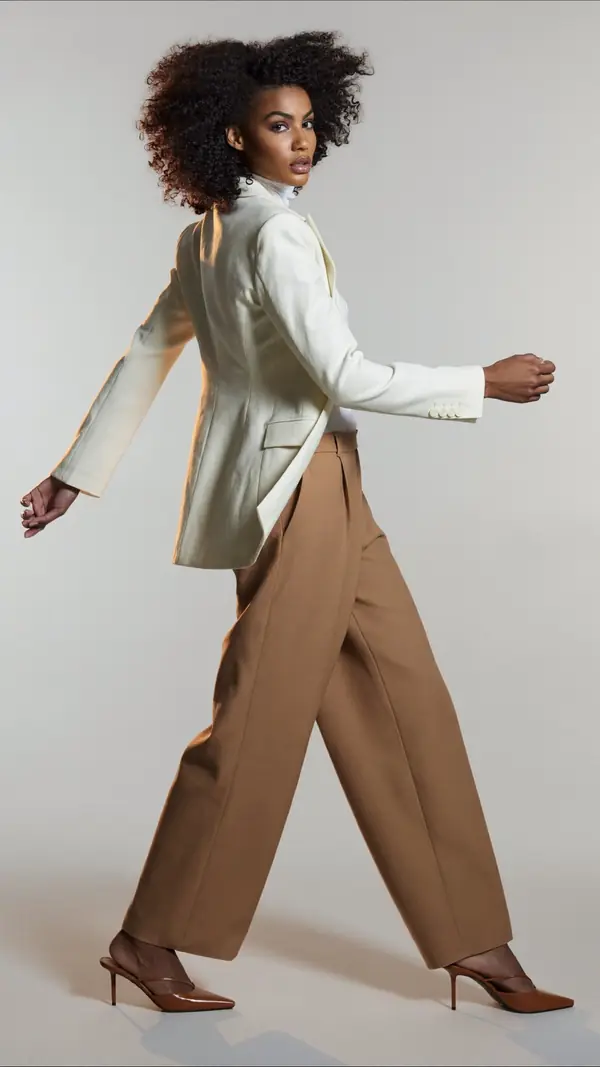
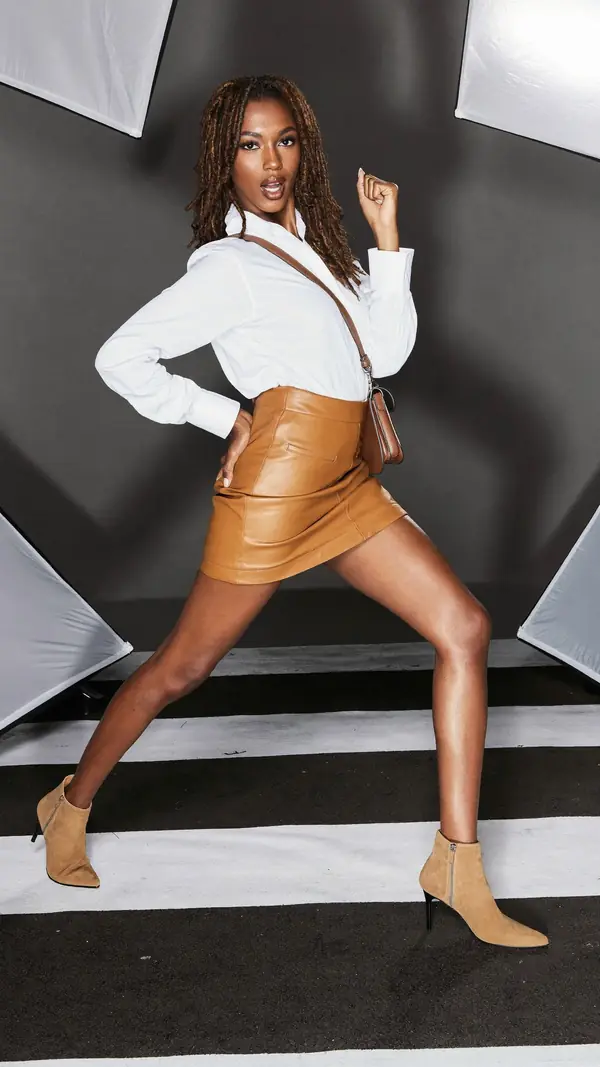
Six full-body poses to copy with the pose camera, from wide arms in the studio to a heel kick in a golden field.
- P-13316
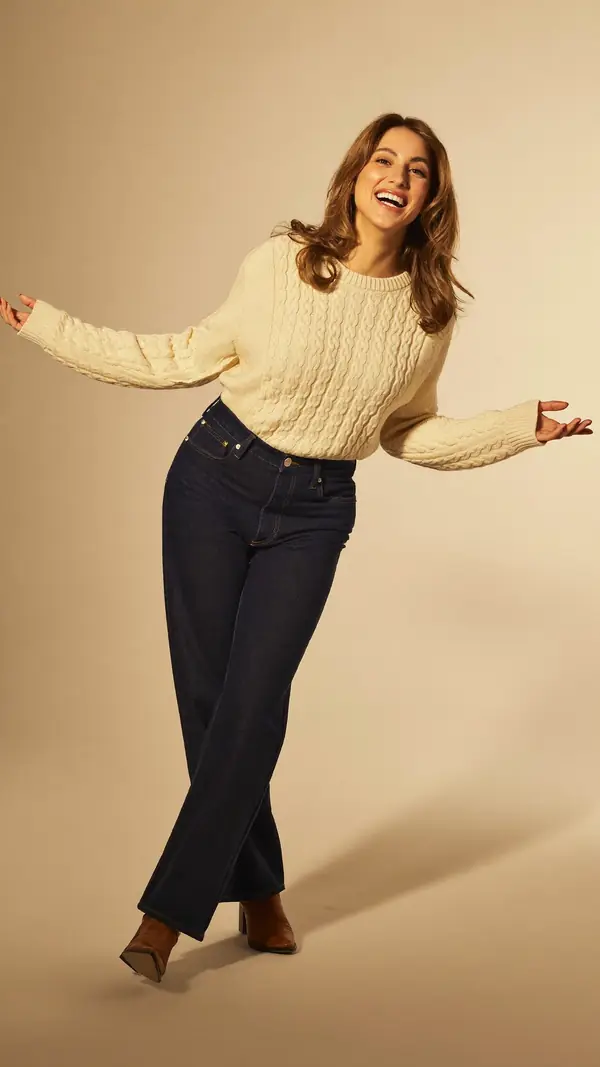
Standing Woman
intermediate- 1Front knee crosses the body
- 2Arms loose, reaching wide
- Weight
- Weight on standing leg
- Shoulders
- 19° drops right
- Hips
- 16° drops right
playful · studio gray · full body
- P-13311
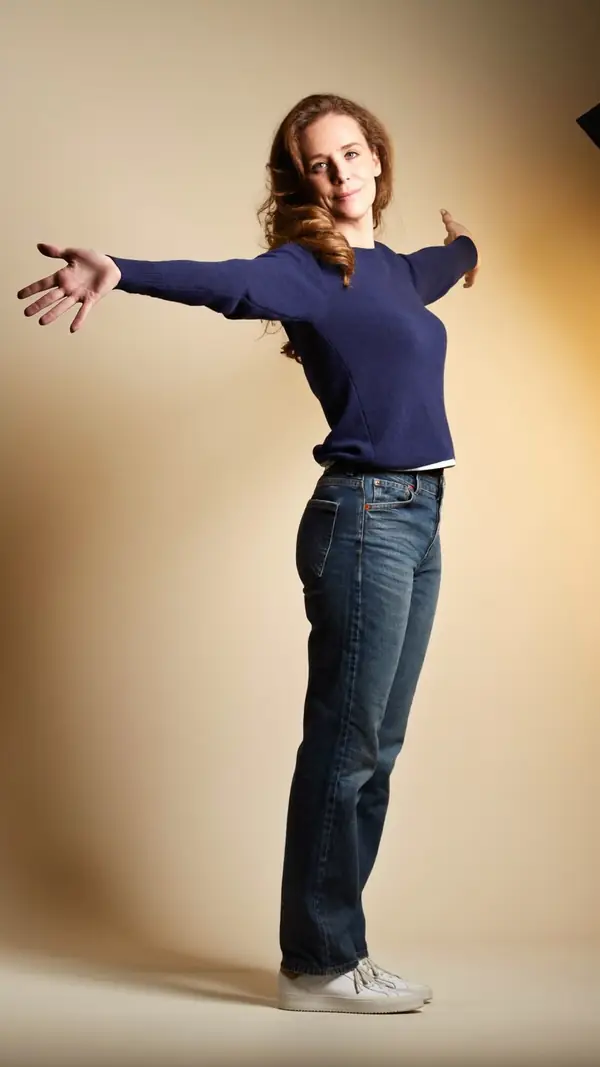
Standing Woman
intermediate- 1Arms wide, palms open
- 2Chest open, shoulders back
- Weight
- Even on both feet
- Shoulders
- 3° drops left
- Hips
- 3° drops right
playful · studio gray · full body
- P-13219
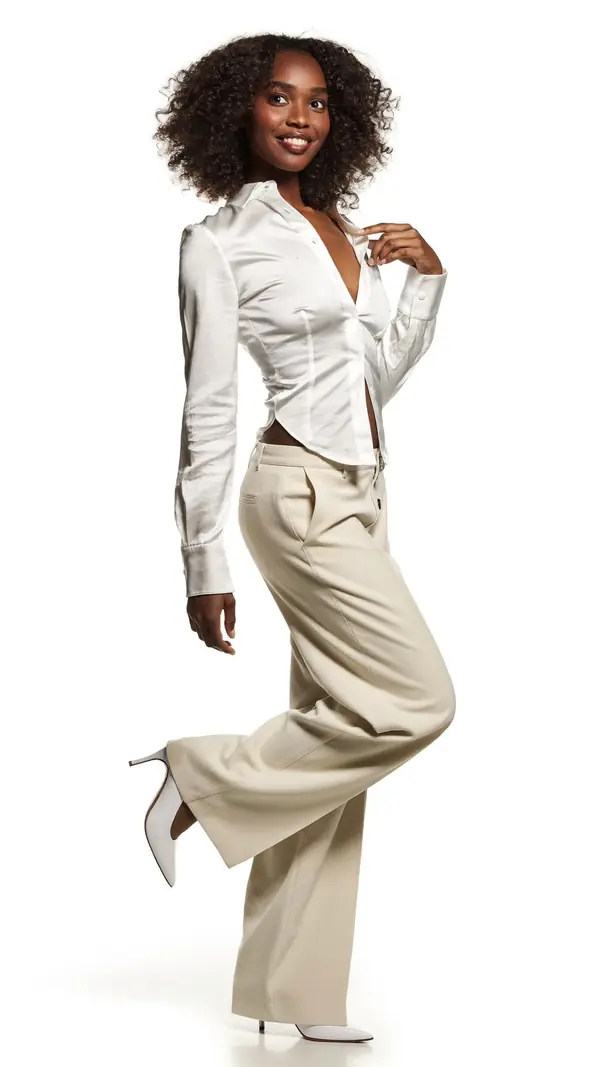
Standing Woman
advanced- 1Back heel kicks up high
- 2Hand rests at the chest
- Weight
- On the standing leg
- Shoulders
- 5° drops left
- Hips
- 0° level
playful · studio white · full body
- P-13263

Standing Woman
intermediate- 1Both palms open to sky
- 2Kick one heel up behind
- Weight
- On standing leg
- Shoulders
- 3° drops right
- Hips
- 0° level
dramatic · nature · full body
- P-13220
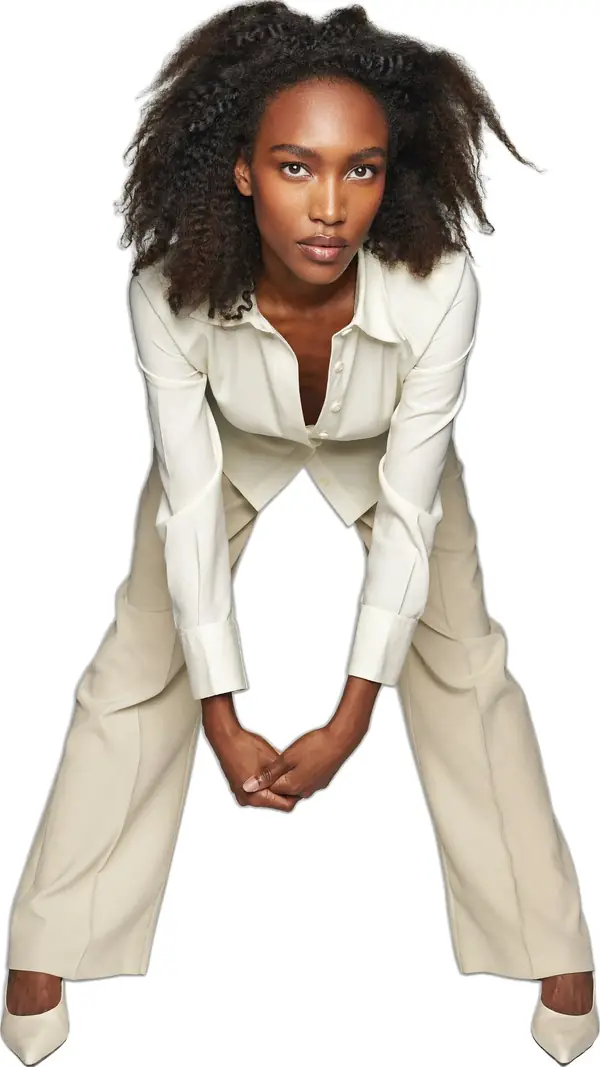
Standing Woman
advanced- 1Hands clasp low between knees
- 2Feet wide, knees soft
- Weight
- Even on both feet
- Shoulders
- 1° level
- Hips
- 1° level
confident · studio white · full body
- P-13124
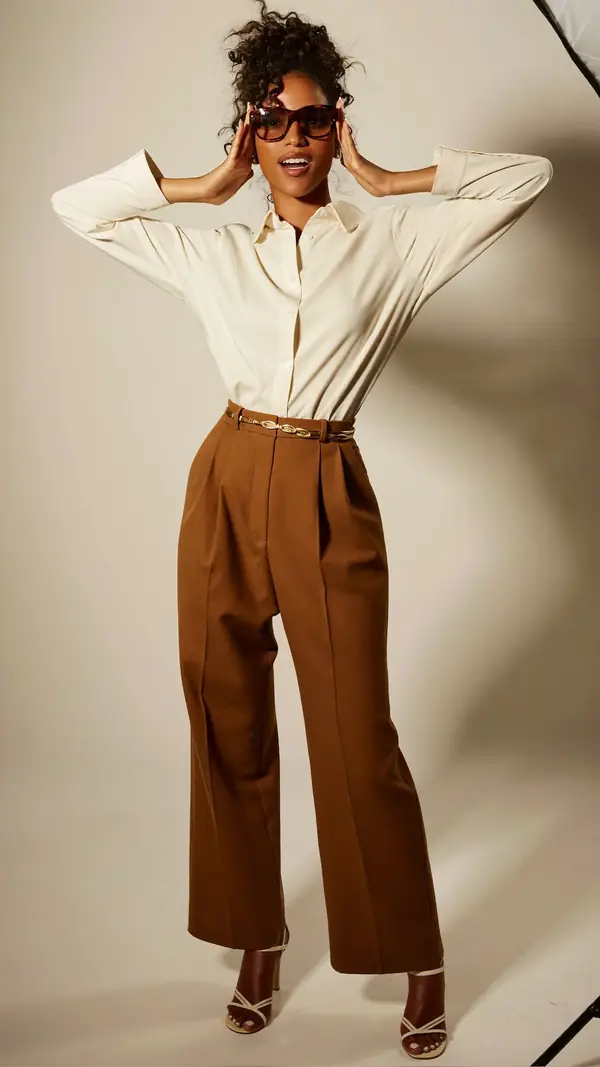
Standing Woman
intermediate- 1Both hands lift the glasses
- 2Elbows wide, shoulders down
- Weight
- Even on both feet
- Shoulders
- 3° drops left
- Hips
- 2° drops right
playful · studio gray · full body
Live Guide questions
What is a pose camera?
A pose camera shows a pose over the live camera view, so the person copies the pose while you shoot. In Poses4You, Live Guide does this with the pose's guide lines and an opacity slider.
How does Auto capture work?
Auto capture takes the photo when the pose holds, so nobody has to press the shutter at the right moment. Pick Standard or Strict tolerance to set how close the match must be.
What do the lit-up limbs mean?
On iPhone, Live Guide draws a live skeleton over the person. Each limb lights up when it matches the pose, so you see which arm or leg still needs to move.
Can I fade the pose overlay?
Yes. The opacity slider fades the pose overlay up or down, so you see the pose and the person at the same time.
How is Live Guide different from a pose page?
A pose page shows two numbered cues and, on most poses, gold guide lines on the photo. Live Guide puts the same pose over the live camera view, so you copy the pose while you shoot.
Keep exploring
Related pages
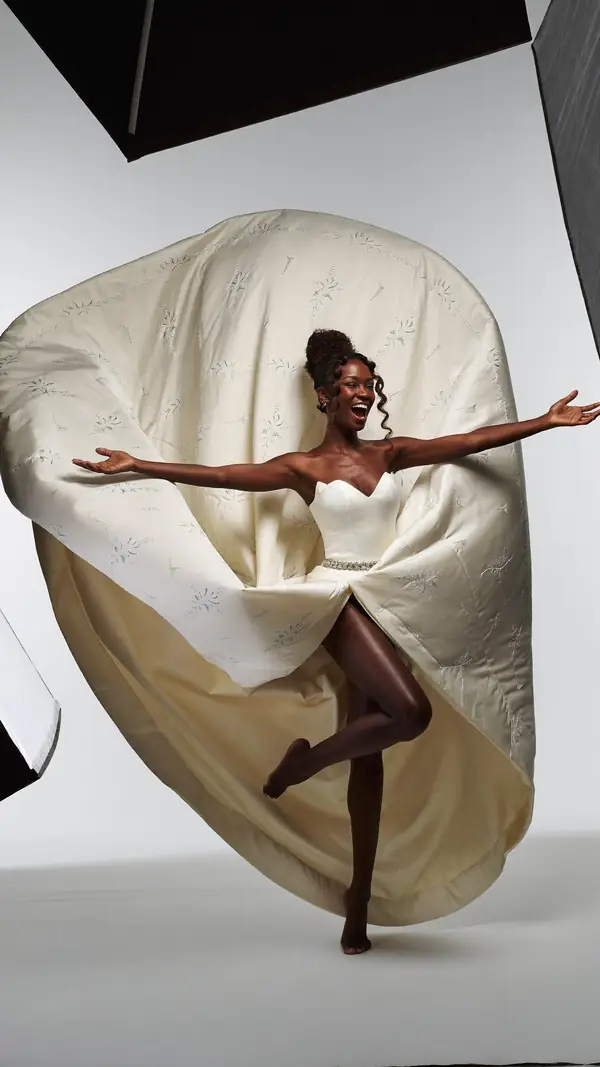 In the appBoards and On setSave poses into a board for each shoot, then show them full screen on the day.
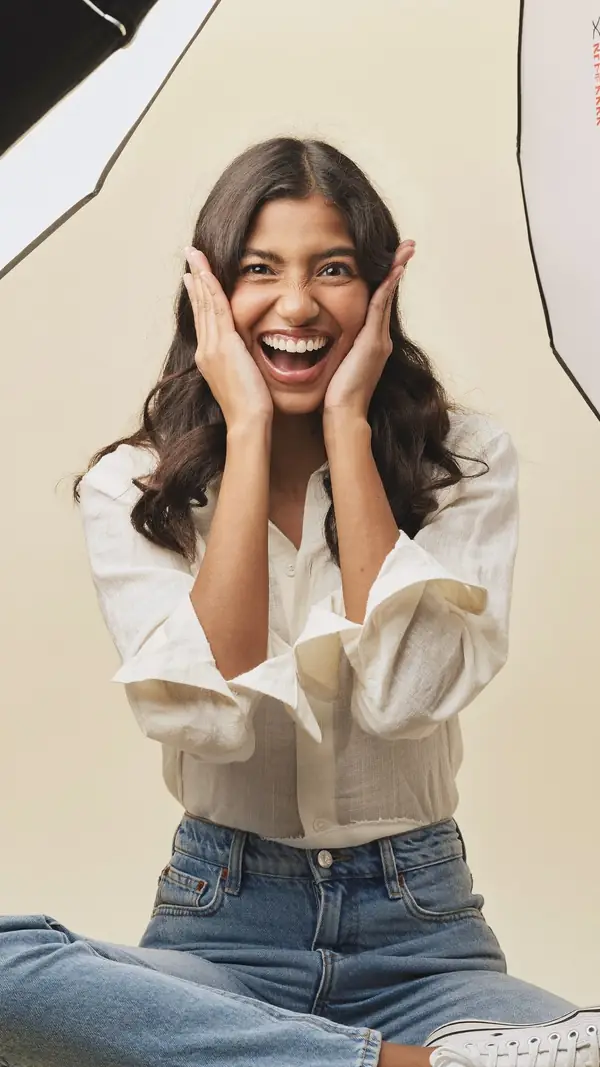 In the appSee YourselfPick a pose, add photos of your face and get an AI portrait of you in the pose.
 In the appPose FinderAdd a photo and get poses that fit its framing, setting, mood and subject.
 Who it's forFor photographersPlan each shoot on a board, direct with two cues and show poses on set.
 5,474 posesStanding posesStanding poses from a hand on the hip to arms flung wide, for every level.
From pose ideas to directing the shotFrom pose ideas to directing the shot
Free to download on iPhone.