For models
Poses for models to learn before the shoot
Poses4You has poses for models with the words to learn them: two numbered cues on every photo and notes on weight, shoulders and hips. The library holds 4,947 fashion and editorial poses among more than 12,000 in total, each a professionally made image.
Learn a pose at home, rehearse it with a friend in Live Guide, and walk into the shoot with poses you know. Each pose page also lists framing, camera height and a level from beginner to advanced. Anyone can look like a model in front of the camera, and practice is how you get there.
- 12,000+ poses
- Cues and guide lines
- Live Guide
 Get the app
How to use Poses4You as a model
Five ways to learn poses for models, from the first read of a pose to the shoot itself.
Learn each pose from its two cues
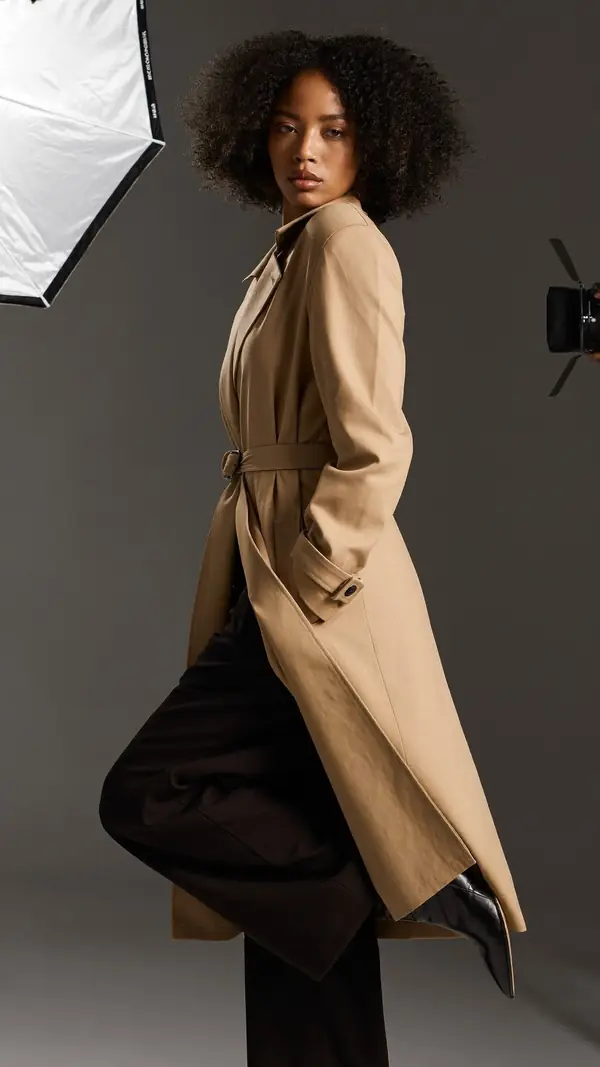
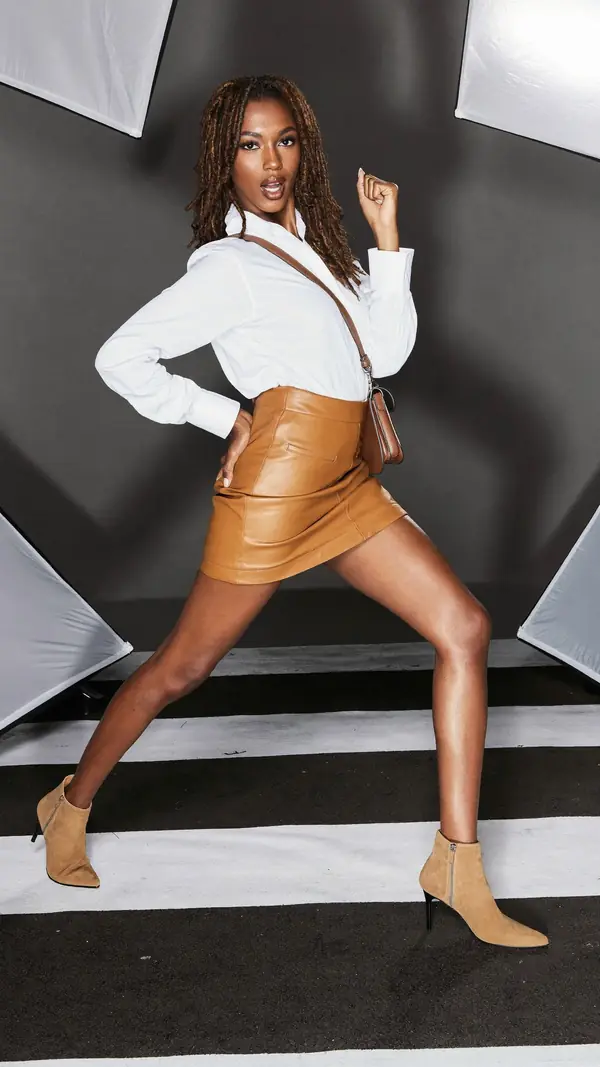
Read the two cues, then copy the photo in a mirror. On this walking pose, "Bent knee lifts forward" sets the legs, and "Glance back over the shoulder" sets the face. Repeat the pose until your body finds the shape without the screen.
P-13472 cue"Bent knee lifts forward"
Rehearse with Live Guide
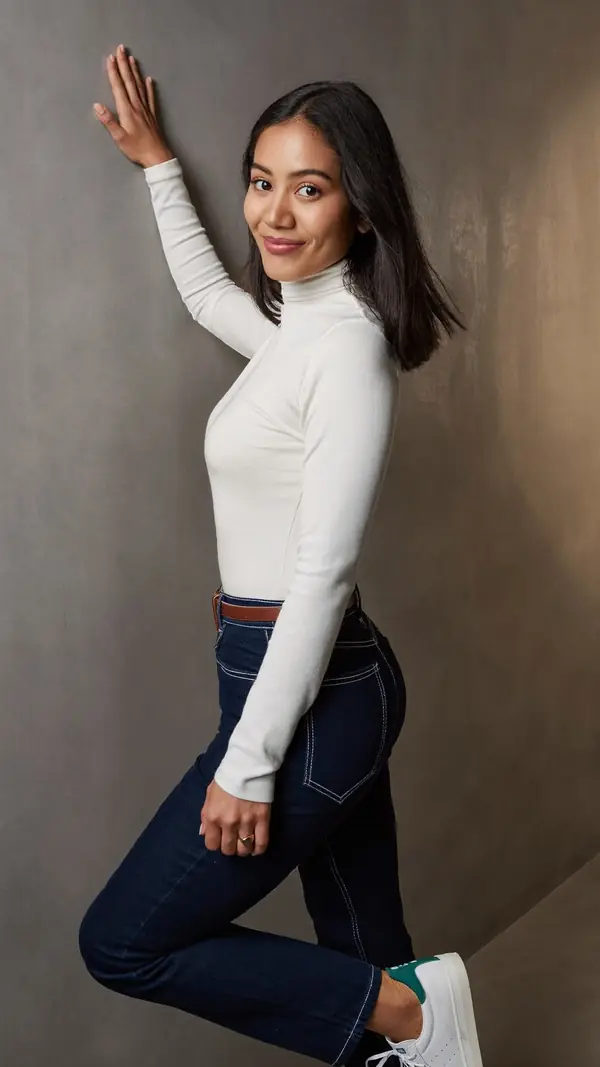
Ask a friend to point the camera at you, and the pose sits over the live view. On iPhone, each limb lights up as it matches, so your friend can tell you what to adjust. On this pose, start with "Palm flat high on the wall", then "Bent knee crosses forward".
P-13092 cue"Palm flat high on the wall"
Save a board for each shoot
Keep one board per shoot, casting or test, so your poses are ready on your phone. Name the board after the shoot and the date, and save a few spare poses in case the plan changes on the day. Show the board to the photographer before you start, so you agree on the plan.
See yourself in a pose first
With See Yourself, pick a pose, add one to three photos of your face and get an AI portrait of you in that pose. Use the portraits to choose which looks to practice, and try a bold pose before you commit to learning it.
Find poses from a mood board photo
Add a reference photo from a mood board to Pose Finder and get poses that fit it. Pose Finder reads the photo's framing, setting, mood and subject, and says nothing about the person.
Model posing tips for any shoot
Start from a strong base. Put your weight on the back leg, relax the shoulders, and bring the chin forward and slightly down.
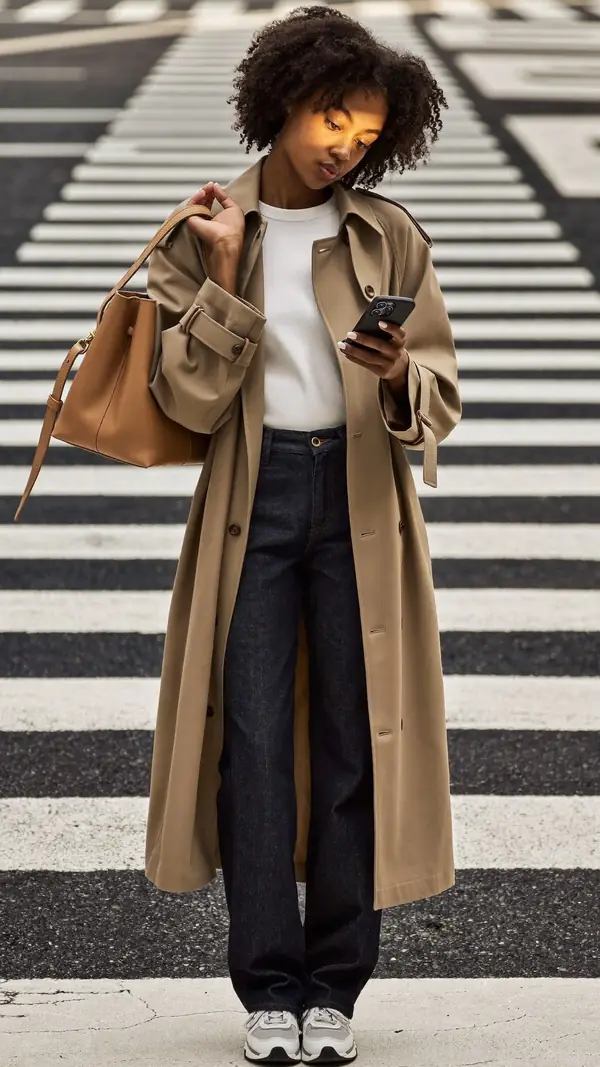
Give your hands a job: a pocket, a bag strap, a coat collar or the wall behind you. In the city crosswalk pose, "Hand grips the bag strap" keeps one hand busy while "Eyes down to the phone" sets the mood.
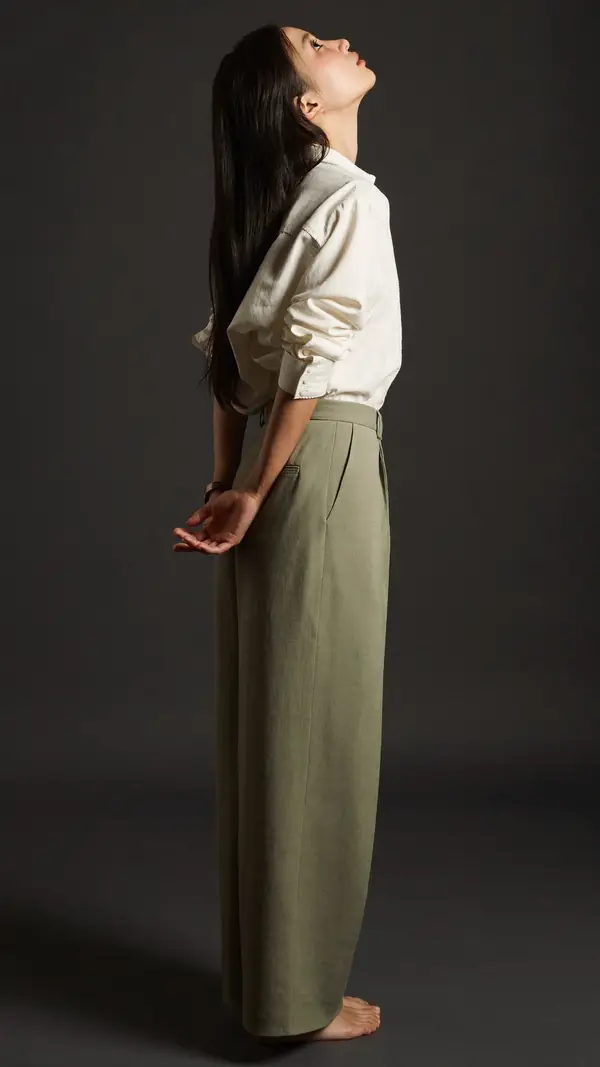
Learn your profile too. On the profile pose on this page, "Chin lifted high, head back" lengthens the neck, while "Hands clasped low behind back" opens the chest.
Seated and floor poses need as much thought as standing ones. In the floor pose, "Arms draped over the knees" keeps the shape relaxed and compact.
Walking poses bring movement into a studio. In the studio walk with the phone, "Back arm swings long" loosens the stride, while "Eyes down on the phone" gives a candid look.
Move between frames. Shift your weight, turn the head a little or change one hand, and the photographer gets a new photo each time. Small changes give variety without breaking the pose.
Practice modeling poses in sets: one facing the camera, one in profile, one walking and one seated. The poses on this page cover all four, and the model poses and standing poses pages have thousands more.
Before a shoot, check each pose's level. The floor pose on this page is a beginner pose, which makes a good warm-up before the five intermediate ones.
Read more about Live Guide and See Yourself before your next shoot.
Poses for models to practice
Six poses from the studio, a wall and a city crosswalk, from beginner to intermediate. Each card shows the two cues and the notes on weight, shoulders and hips.
- P-13472
Walking Woman
intermediate- 1Bent knee lifts forward
- 2Glance back over the shoulder
- Weight
- Weight on standing leg
- Shoulders
- 12° drops left
- Hips
- 11° drops right
elegant · studio gray · full body
- P-13113
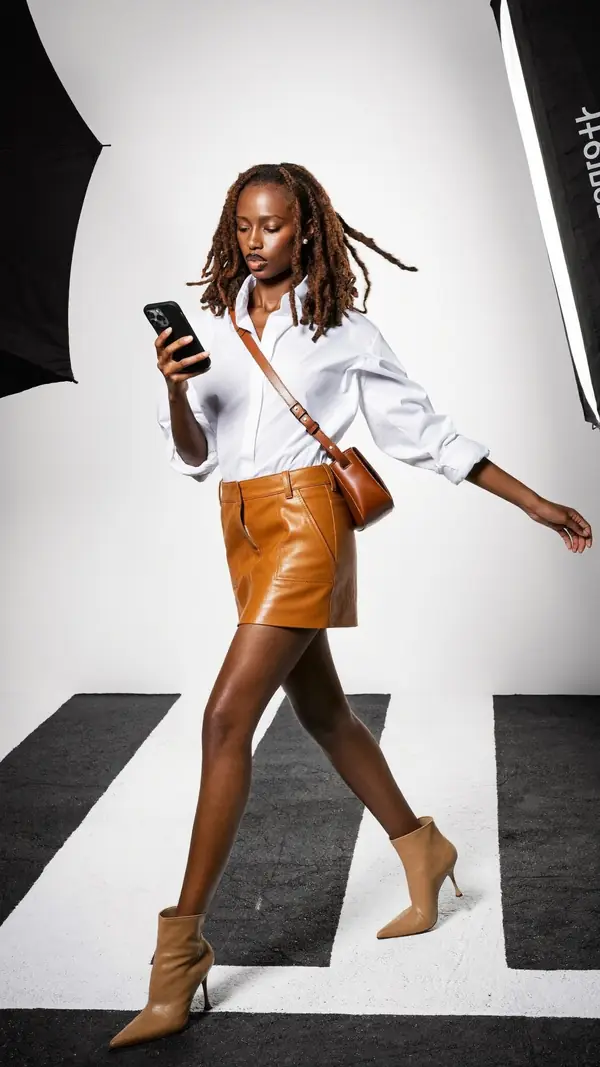
Walking Woman
intermediate- 1Eyes down on the phone
- 2Back arm swings long
- Weight
- Weight on front foot
- Shoulders
- 9° drops right
- Hips
- 2° drops left
casual · studio white · full body
- P-13250
Standing Woman
intermediate- 1Hands clasped low behind back
- 2Chin lifted high, head back
- Weight
- Even on both feet
- Shoulders
- 5° drops left
- Hips
- 7° drops left
elegant · studio gray · full body
- P-13092
Leaning Woman
intermediate- 1Palm flat high on the wall
- 2Bent knee crosses forward
- Weight
- Weight on standing leg
- Shoulders
- 22° drops right
- Hips
- 7° drops left
playful · wall · full body
- P-13083

Seated Woman
beginner- 1Arms draped over the knees
- 2Chin level, eyes to lens
- Weight
- Low squat on floor
- Shoulders
- 3° drops right
- Hips
- 1° level
relaxed · floor · full body
- P-13123
Standing Woman
intermediate- 1Eyes down to the phone
- 2Hand grips the bag strap
- Weight
- Even on both feet
- Shoulders
- 0° level
- Hips
- 0° level
dramatic · urban · full body
Questions from models
Where can I find poses for models to practice?
Poses4You has poses for models with two numbered cues on each photo, including 4,947 fashion and editorial poses. Filter by mood, setting, framing and difficulty to narrow the list. The app is free to download on the App Store for iPhone.
What are the basic modeling poses?
Learn four basics: a front-on standing pose, a profile, a walk and a seated pose. Add a lean against a wall once those feel easy, then move on to advanced poses.
Is there a posing app for models?
Poses4You is a posing app for models, photographers and everyday people. You learn each pose from two cues, rehearse it with Live Guide and plan each shoot on a board.
Can I see myself in a pose before the shoot?
Yes. See Yourself makes an AI portrait of you in the pose you pick, from one to three photos of your face. Use the portrait to choose which poses to practice.
Keep exploring
Related pages
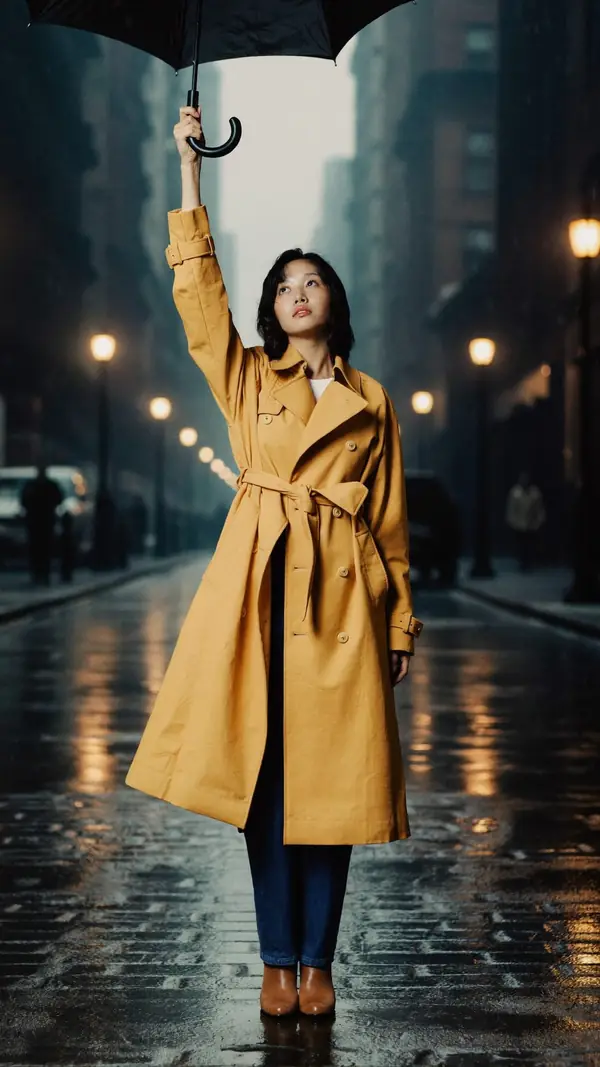 4,947 posesModel posesFashion and editorial poses for portfolios, lookbooks and test shoots, each with two cues.
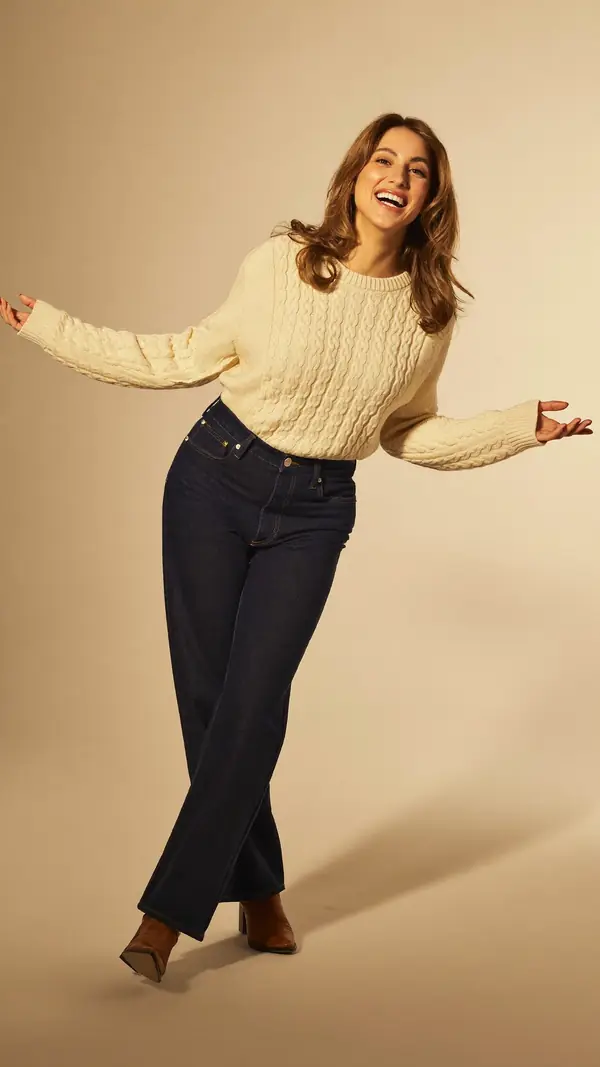 In the appLive GuideThe pose sits over the live camera view, and Auto capture takes the photo when the pose holds.
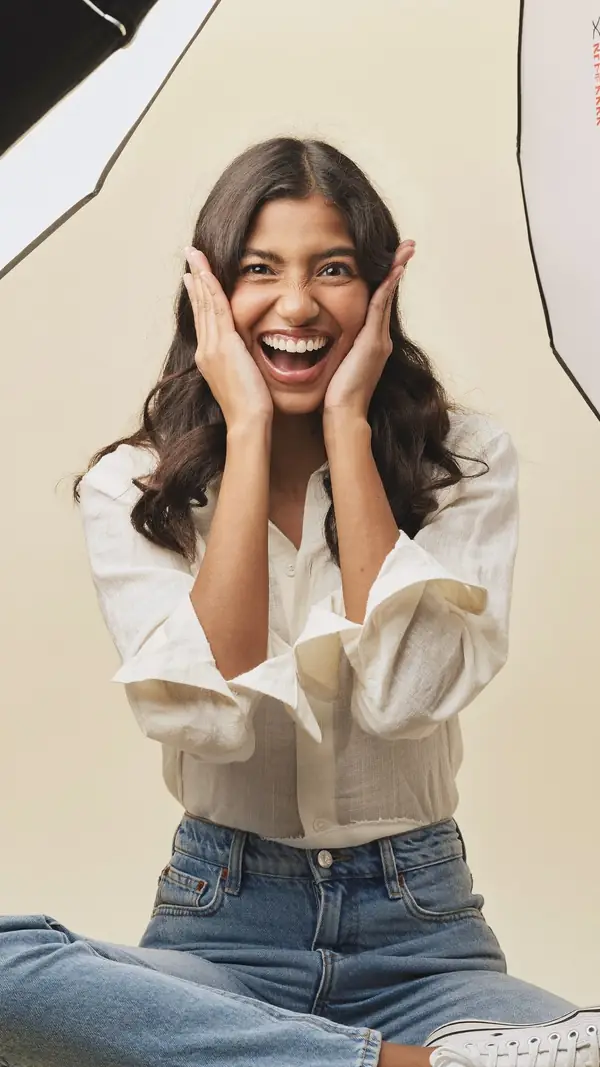 In the appSee YourselfPick a pose, add photos of your face and get an AI portrait of you in the pose.
 Who it's forFor photographersPlan each shoot on a board, direct with two cues and show poses on set.
 5,474 posesStanding posesStanding poses from a hand on the hip to arms flung wide, for every level.
From pose ideas to directing the shotFrom pose ideas to directing the shot
Free to download on iPhone.