For photographers
A posing app for photographers, from the plan to the shoot
Poses4You is a posing app for photographers who want every session planned before the day. Pick from more than 12,000 poses, save them to a board for each client, and show them full screen on set.
Each pose is a professionally made image with two numbered cues on the photo. Your client sees the finished look, and you get short, clear words to direct the pose. You plan, direct and shoot from one posing app for photographers.
- 12,000+ poses
- Cues and guide lines
- Live Guide
 Get the app
Ways to use a posing app for photographers
Five ways to put a posing app for photographers to work, from planning to the last frame.
Plan each shoot on a board
Save poses into a board for each client, one board per shoot. Name each board after the client and the date, so you open the right plan on the day. Show the board before the session, so your client sees the look and feel ahead of time. To send one pose, share it by link or photo.
Direct with two cues
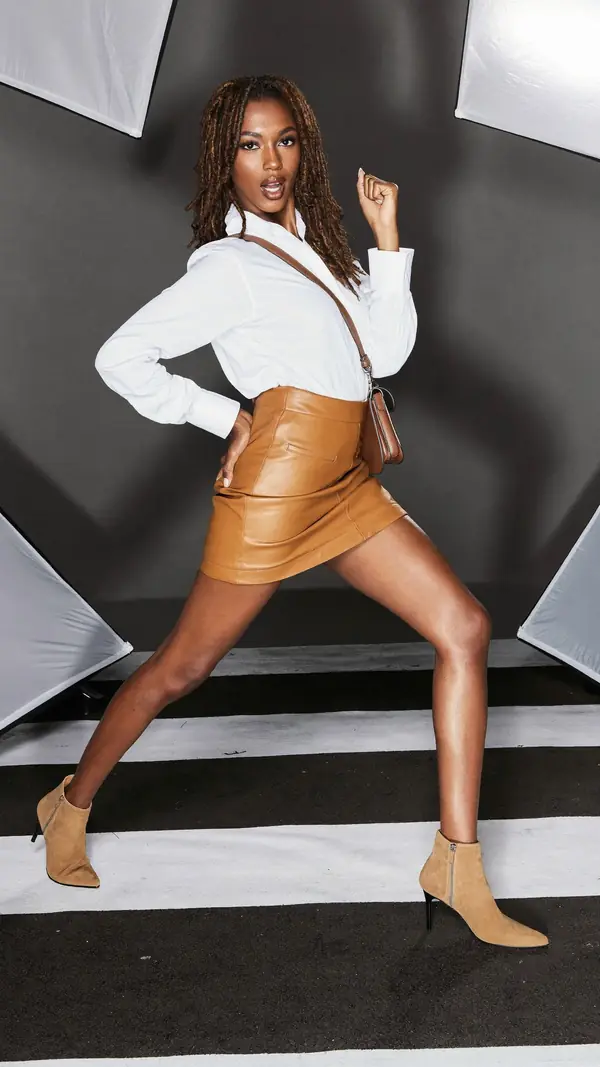
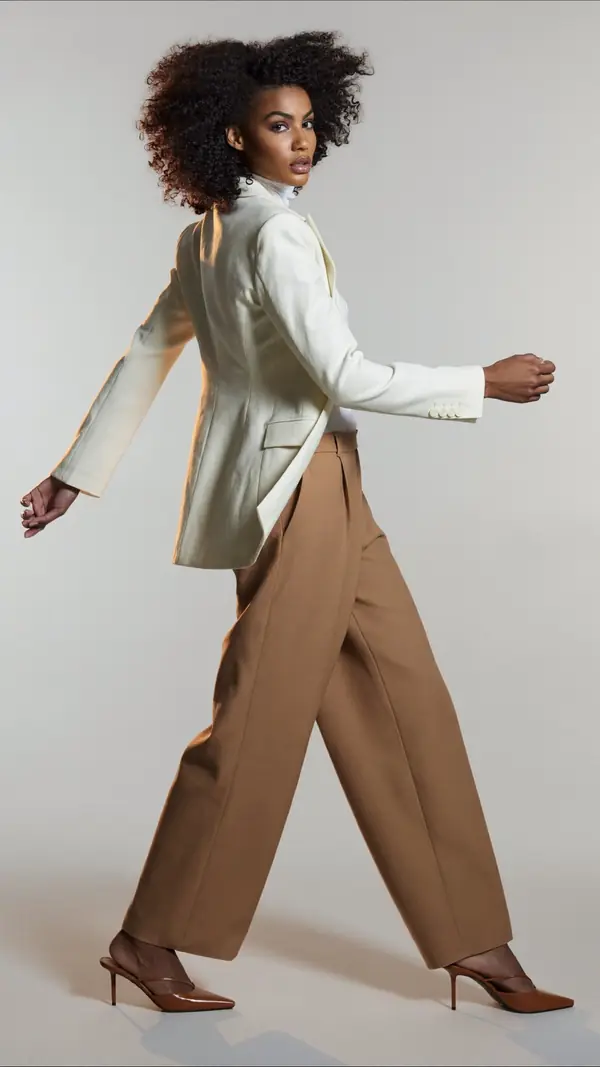
Every pose has two numbered cues you can read aloud. On this one, "Step wide, legs long" sets the base, and "Fist raised beside the head" adds the attitude.
P-13111 cue"Fist raised beside the head"
Show the pose on set
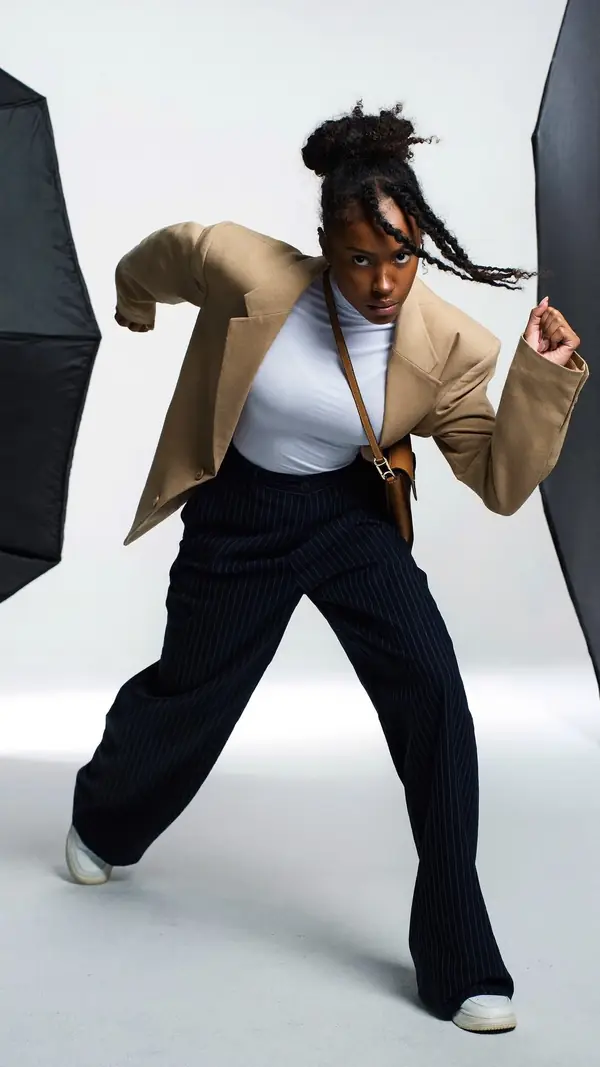
Open the board in On set and turn the screen toward your client. The pose fills the screen on true black, and the screen stays awake. Your client copies the shape, such as "Sink low, knees wide" on this pose, and you swipe on when you have the frame.
P-13490 cue"Sink low, knees wide"
Check the pose with Live Guide
Point the camera at your client, and the pose sits over the live view, with guide lines on 96% of the poses. On iPhone, each limb lights up as it matches, and Auto capture takes the photo when the pose holds. Pick Standard tolerance for a relaxed match, or Strict when the pose must be exact.
Start from a client's photo
When a client sends a photo they love, add the photo to Pose Finder and get poses that fit it. Pose Finder reads the photo's framing, setting, mood and subject, and says nothing about the person. Save the results you like to the client's board.
How to pose clients who feel awkward
A nervous client needs a clear next step. Give one instruction at a time, keep each one short, and show the pose on screen instead of acting out each move.
Start with the base: weight on the back leg, shoulders relaxed, chin forward and slightly down. Then give the hands a job, such as a pocket, a jacket edge or the hip. Ask for a small move between frames, so each shot differs a little.
Check the camera height on the pose page before you shoot. A pose made at eye level looks different from below, so match the angle as well as the body. For couples and families, give each person their own cue and keep them close.
Each pose page in Poses4You works as a posing guide for photographers. The page gives two numbered cues on the photo, notes on weight, shoulders, hips, framing and camera height, and a level from beginner to advanced.
For first-timers, filter for beginner poses and build up. For a full walkthrough, read how to pose for a photoshoot, or open wedding poses and family photo poses for your next session.
See how Boards and On set and Live Guide work in detail before your next client arrives.
Poses to try with your clients
Six full-body poses with movement and attitude, shot in the studio or against a wall, for fashion and portrait sessions. All six are advanced, so warm your client up with easier poses first. Each card shows the two cues and the notes on weight, shoulders and hips, ready to read to your client.
- P-13111
Dynamic Woman
advanced- 1Fist raised beside the head
- 2Step wide, legs long
- Weight
- Spread across wide stance
- Shoulders
- 10° drops left
- Hips
- 3° drops right
confident · studio gray · full body
- P-13320
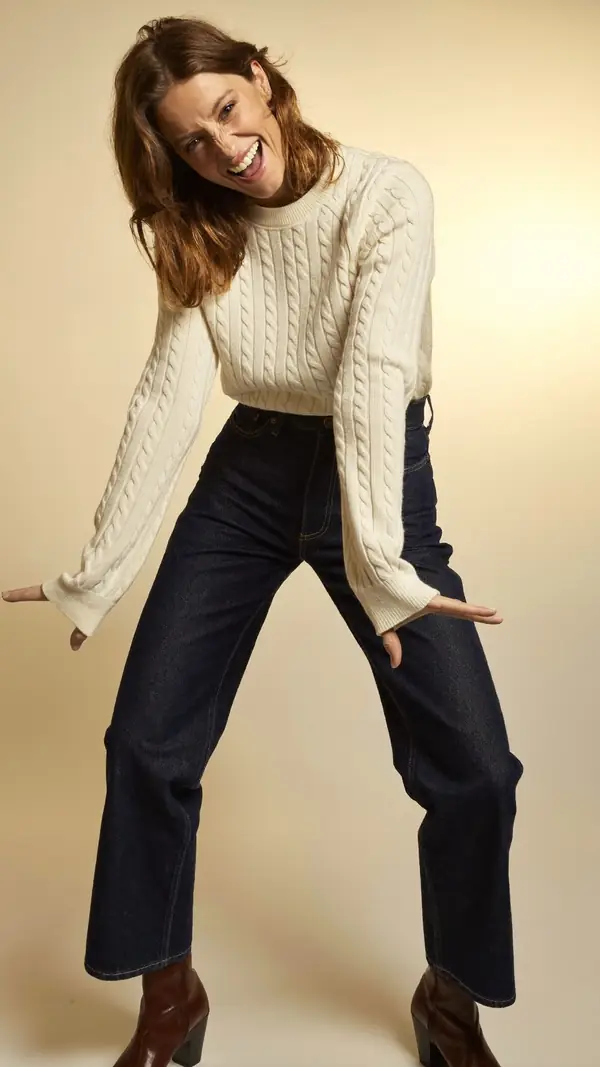
Dynamic Woman
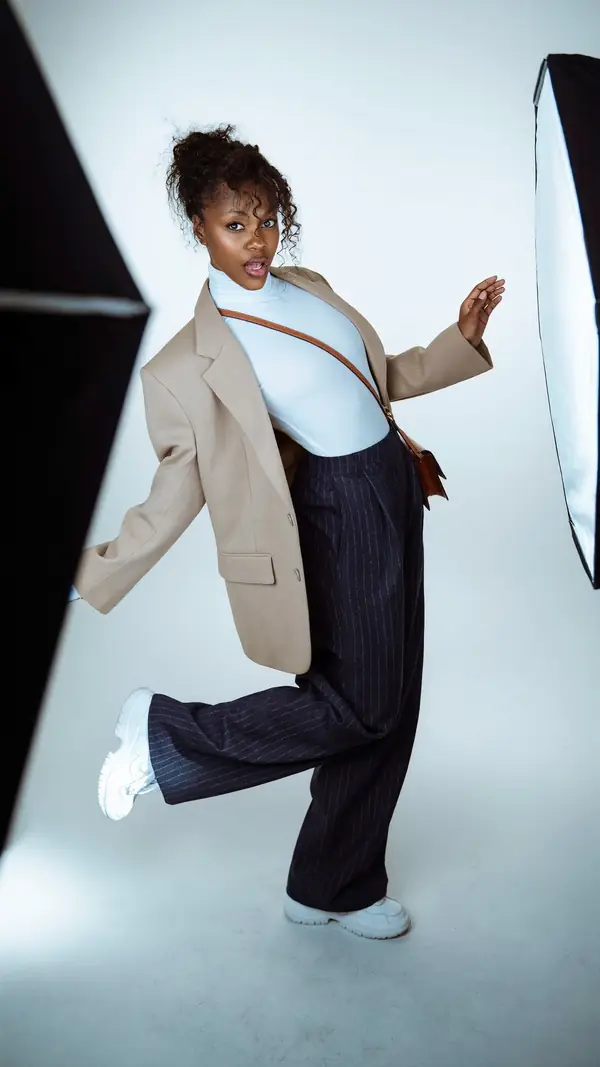
advanced- 1Arms swing out wide
- 2Knees soft, wide stance
- Weight
- Even on both feet
- Shoulders
- 12° drops left
- Hips
- 1° level
playful · studio gray · full body
- P-13490
Dynamic Woman
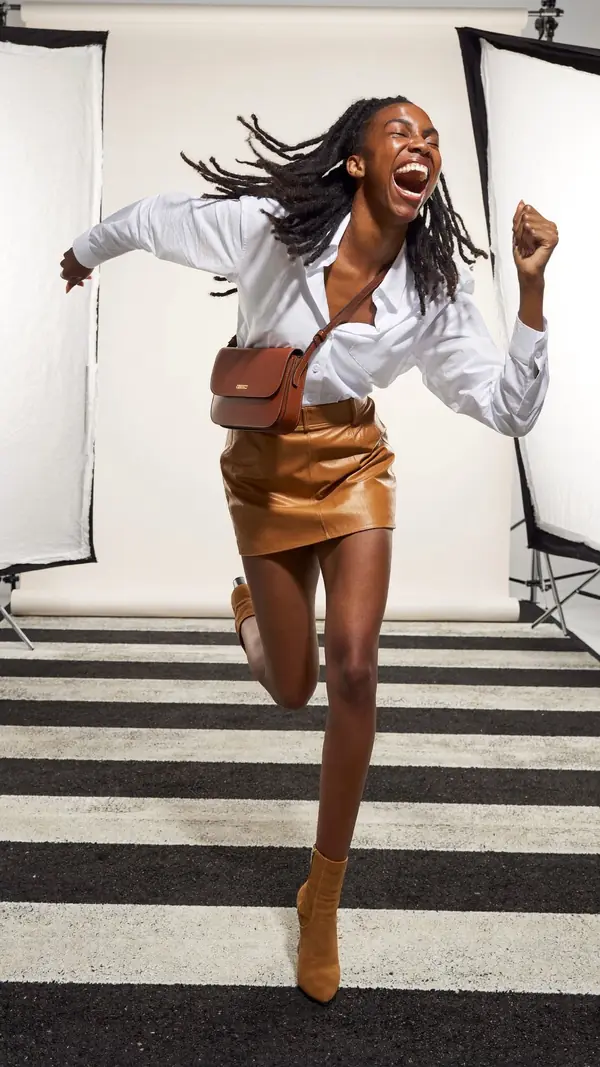
advanced- 1Sink low, knees wide
- 2Fists tight, elbows out
- Weight
- Low on both feet
- Shoulders
- 22° drops right
- Hips
- 1° level
powerful · studio white · full body
- P-13488
Jumping Woman
advanced- 1Kick the back foot up
- 2Lift the front hand high
- Weight
- Airborne mid-jump
- Shoulders
- 33° drops left
- Hips
- 8° drops left
playful · studio white · full body
- P-13116
Jumping Woman
advanced- 1Fist punches up high
- 2Back heel kicks up
- Weight
- Springing off one foot
- Shoulders
- 22° drops right
- Hips
- 0° level
playful · studio white · full body
- P-13087
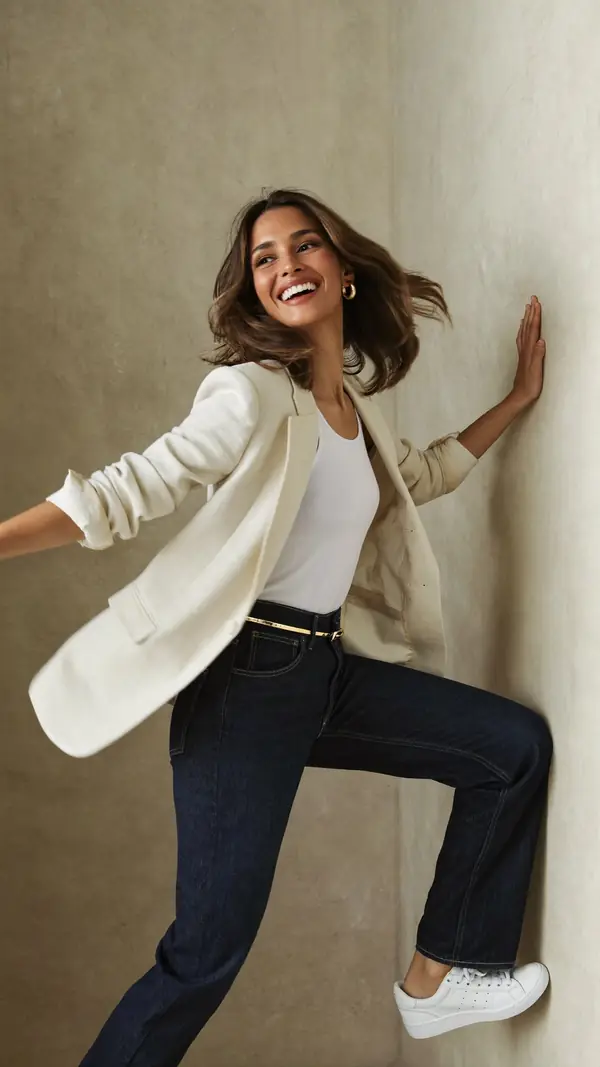
Dynamic Woman
advanced- 1Palm flat against the wall
- 2Lift knee, foot to wall
- Weight
- Weight on standing leg
- Shoulders
- 7° drops right
- Hips
- 8° drops left
playful · wall · full body
Questions from photographers
Is Poses4You a posing app for photographers?
Yes. Poses4You is a photographer posing app with more than 12,000 poses and boards to plan each shoot. On set shows each pose full screen to your client. The app is free to download on the App Store for iPhone.
How do I pose clients who have never modeled?
Start with beginner poses and give one cue at a time. Show the pose on screen with On set, and let your client copy what they see. Small moves between frames keep the photos varied.
Can my client see the poses before the shoot?
Yes. Plan the shoot on a board and walk your client through the board before the day. They see the look and feel of the shoot ahead of time. You can also share a pose by link or photo.
How do I find poses for a specific session?
Search reads what you type as parts, and filters narrow the results by subject, pose type, mood, difficulty, setting and framing. All 48 categories, from Golden hour to Mirror, are one tap away under the search bar.
Keep exploring
Related pages
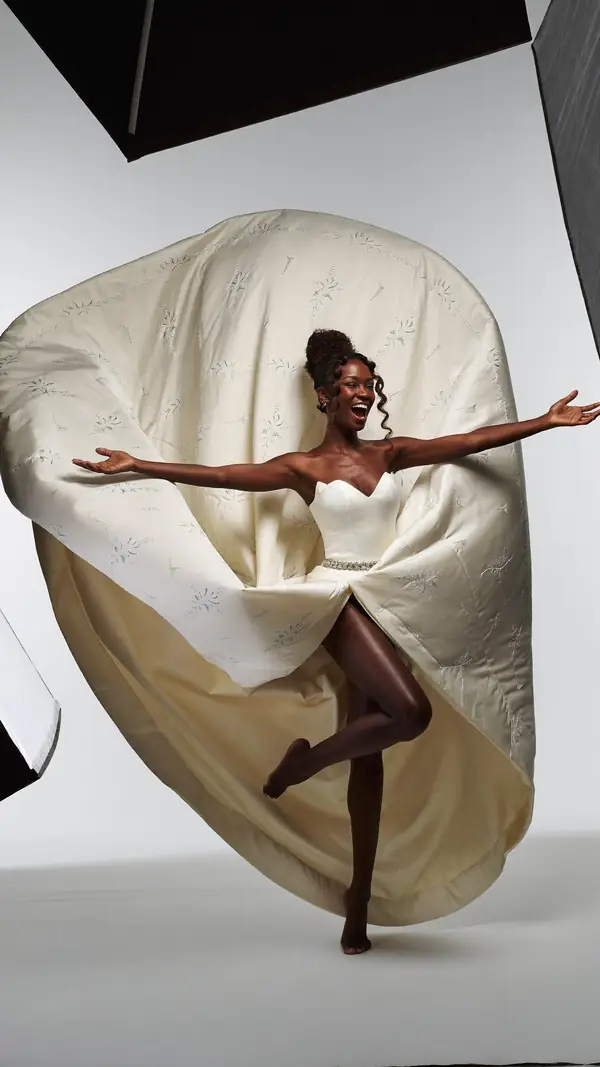 In the appBoards and On setSave poses into a board for each shoot, then show them full screen on the day.
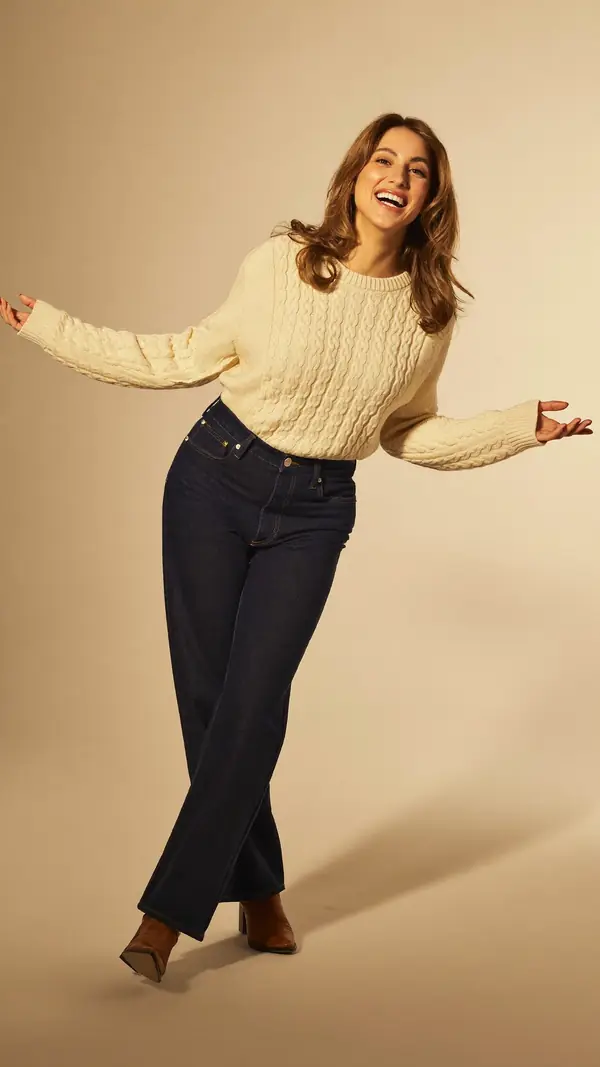 In the appLive GuideThe pose sits over the live camera view, and Auto capture takes the photo when the pose holds.
 In the appPose FinderAdd a photo and get poses that fit its framing, setting, mood and subject.
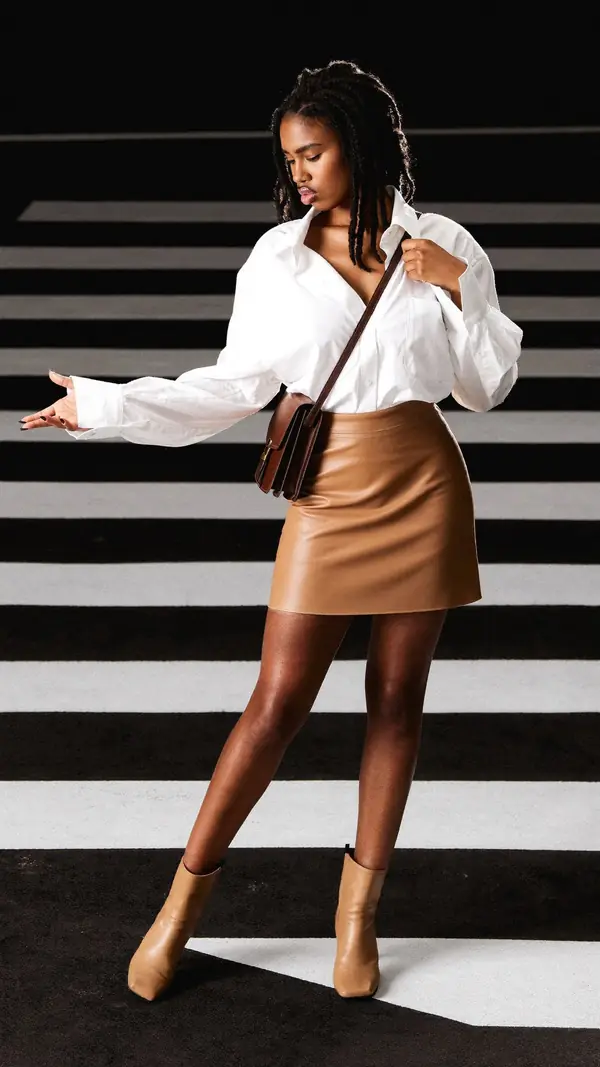 7 min readPosing for a photoshootPlan your poses, practice them and keep moving on set, with eight intermediate poses to learn.
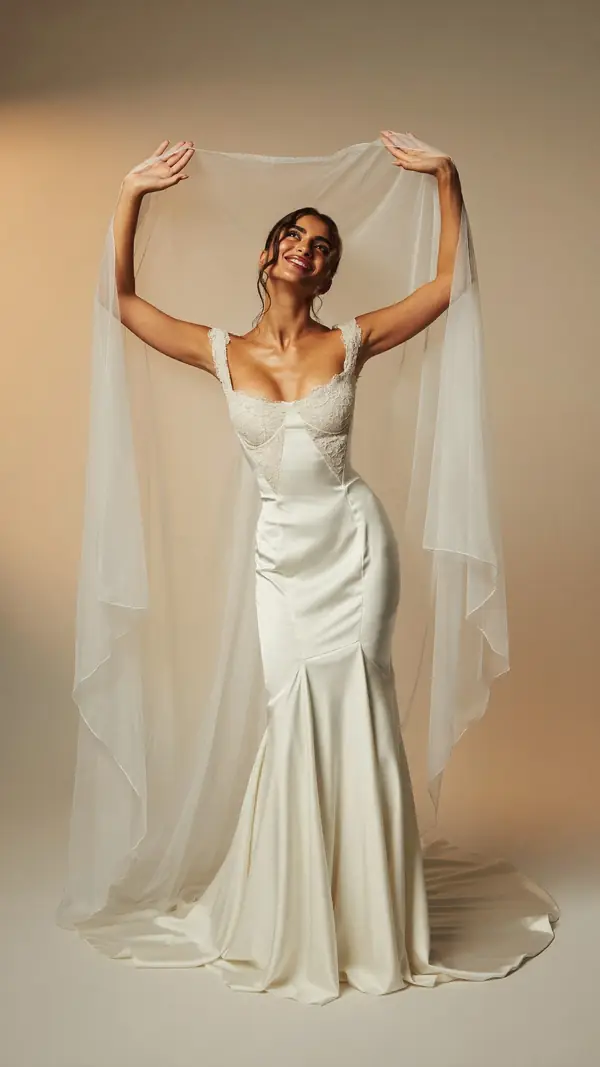 698 posesWedding poses698 wedding poses for the bride, the groom and the couple, each with two cues.
From pose ideas to directing the shotFrom pose ideas to directing the shot
Free to download on iPhone.