Boards and On set
Plan a photoshoot on a board, then run it with On set
Plan a photoshoot in Poses4You by saving poses into a board, one board for each shoot. On the day, On set shows the board full screen to the person you are photographing, on true black, with the screen kept awake.
If you photograph clients, show them the board ahead of time so they see the look and feel before the day. Every pose on the board comes with two numbered cues, so the plan also tells you what to say.
 Get the app
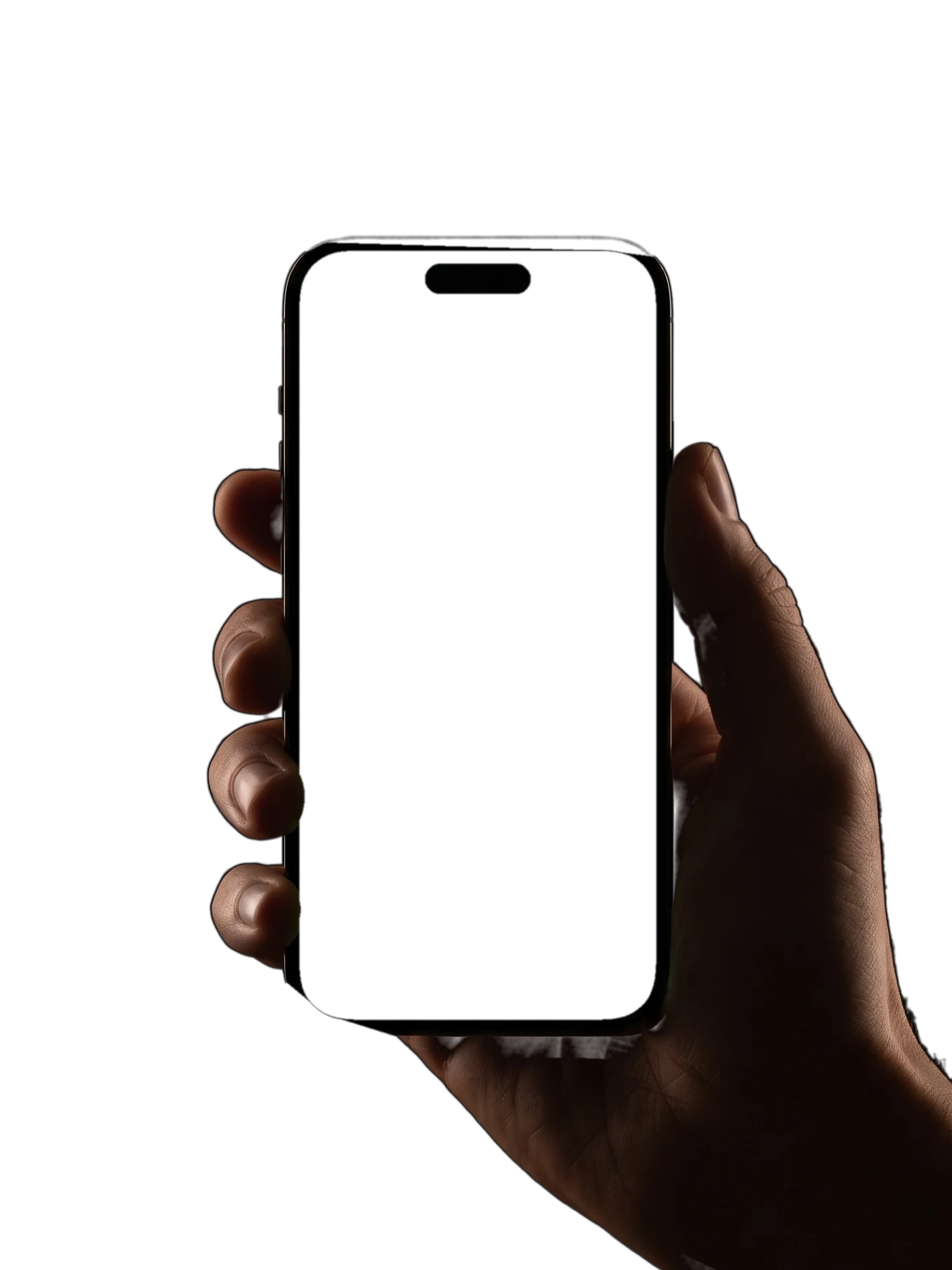
How Boards and On set work
Plan a photoshoot in five steps, from the first saved pose to the last frame.
- 1
Make a board for the shoot
Save a pose and pick New board straight from the Save sheet. Name the board after the shoot, such as Maternity Oct 2026, and keep one board for each session.
- 2
Fill the board with poses
Save every pose you plan to shoot into the board. Boards live in the Saved tab, so the plan is on your phone when you arrive.
- 3
Show your client the plan
Walk your client through the board before the day, so they see the look and feel of the shoot. To send a single pose, share it by link or photo.
- 4
Open On set on the day
On set shows the board, or a single pose, full screen on true black. The screen stays awake, so the pose stays up between shots.
- 5
Swipe through the list
Swipe from pose to pose as you work through the plan. Switch the guide lines on when a pose needs more direction, and off for a clean view.
Plan a photoshoot with a pose board
A photoshoot shot list keeps a session moving, and a pose board turns the list into pictures. Each entry is the pose itself, with its two cues and its notes on weight, shoulders and hips.
When you plan a photoshoot, save a mix of poses. Add easy standing poses for the warm-up, then seated, walking and more advanced poses for later in the session.
Each pose page lists its level, from beginner to advanced, plus framing and camera height. Use those notes to match the board to the person and to the space you have.
Save a few more poses than you need. Light changes, outfits change, and a spare pose keeps the session going when one does not suit the person.
For a bridal session, mix back views that show the dress with movement. On this page, one pose asks the bride to "Look back over your shoulder", and another says "Reach both arms out wide".
Find poses through search and categories, or start from a reference photo with Pose Finder. For a bridal session like the poses on this page, browse wedding poses.
How to show poses on set
On set is made for the person in front of the camera. The pose fills the screen on true black, so the shape is easy to read, and the screen stays awake between shots.
Prop the phone near the camera, facing the person, and swipe to the next pose when you are ready. Read the two cues aloud as you go.
When you show poses on set this way, the person sees the target shape instead of guessing from your words. For a pose that needs exact copying, open it in Live Guide and check the match through the camera.
Who Boards and On set are for
If you photograph weddings, families or maternity sessions, keep a board for each client. Your client sees the plan before the day, and you run the shoot from the same board. More in Poses4You for photographers.
If you model, save the poses you want to practice before a test shoot and show the board to the photographer. Couples can plan an engagement or anniversary shoot the same way, and the page on couple photo ideas has more.
If you travel, keep a board for the trip. At each spot, show the next pose to your travel partner in On set before you take the photo.
Bridal poses to try with On set
Six bridal poses shot in the studio, many from behind to show the dress. Save them to a wedding board, then show them on set.
- P-8487
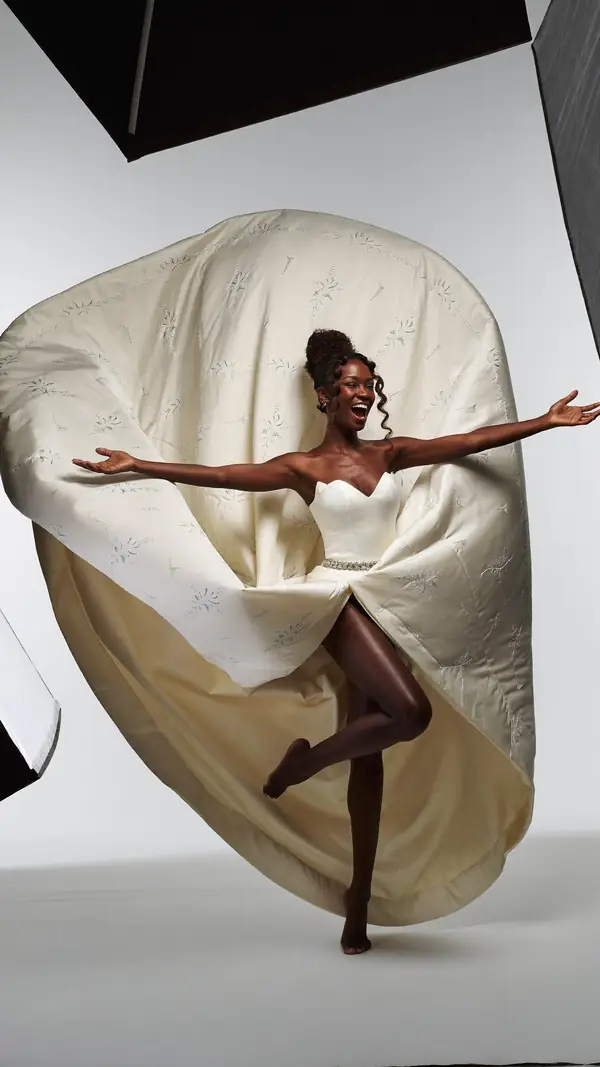
Standing Bride
advanced- 1Reach both arms out wide
- 2Push up onto the toes
- Weight
- Balanced on one toe
- Shoulders
- 8° drops left
- Hips
- 10° drops right
playful · studio gray · full body
- P-9653
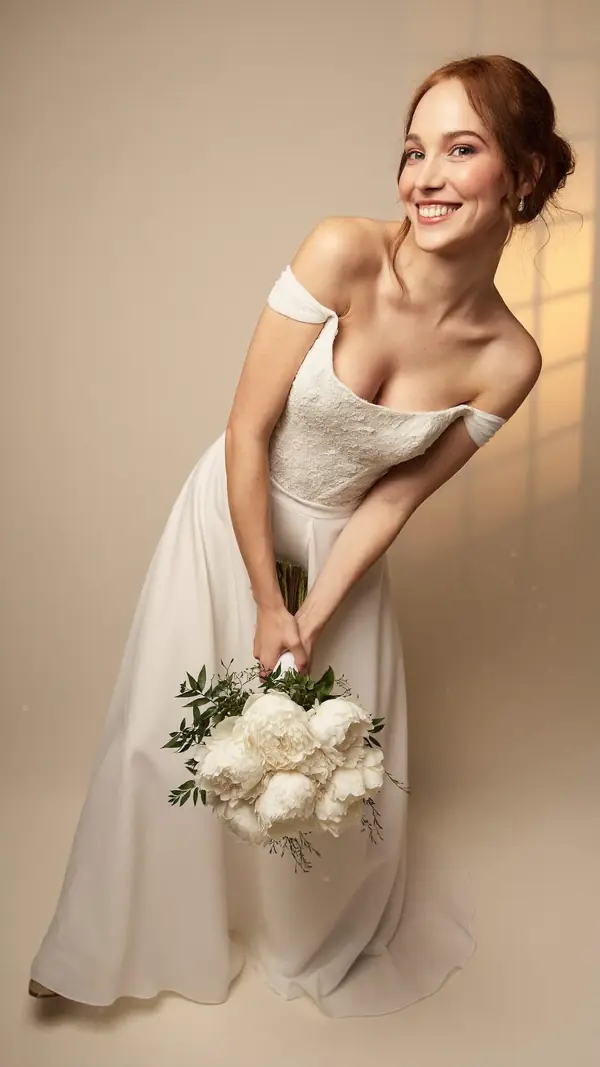
Standing Bride
intermediate- 1Hinge forward from the hips
- 2Let the flowers hang down low
- Weight
- Even on both feet
- Shoulders
- 33° drops right
- Hips
- 18° drops right
playful · studio gray · full body
- P-8484
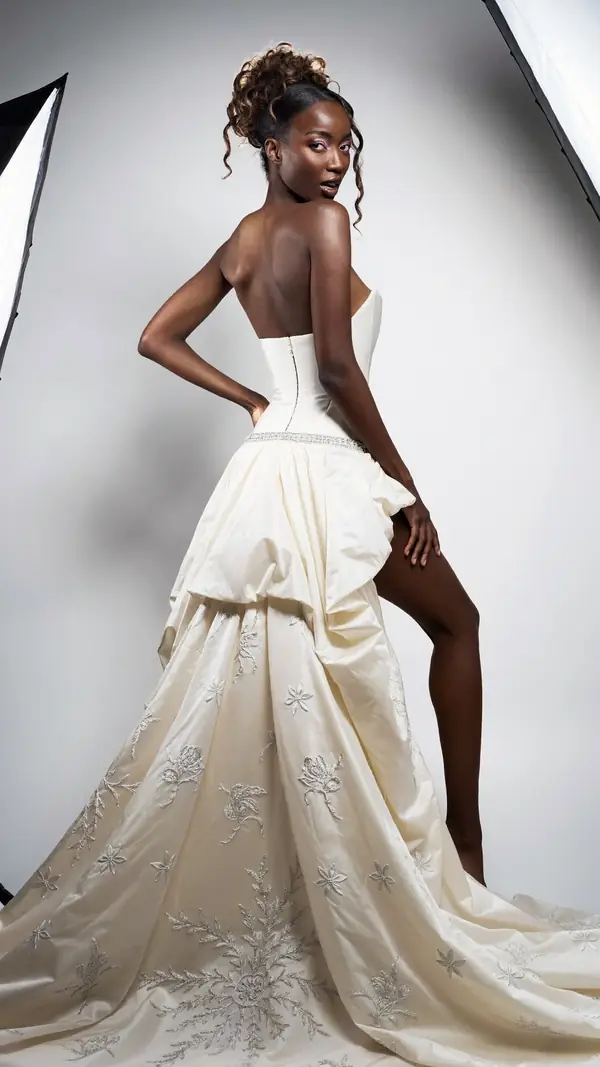
Standing Bride
advanced- 1Look back over the shoulder
- 2Set a hand on the hip
- Weight
- Weight on back leg
- Shoulders
- 11° drops left
- Hips
- 7° drops right
confident · studio gray · full body
- P-9756
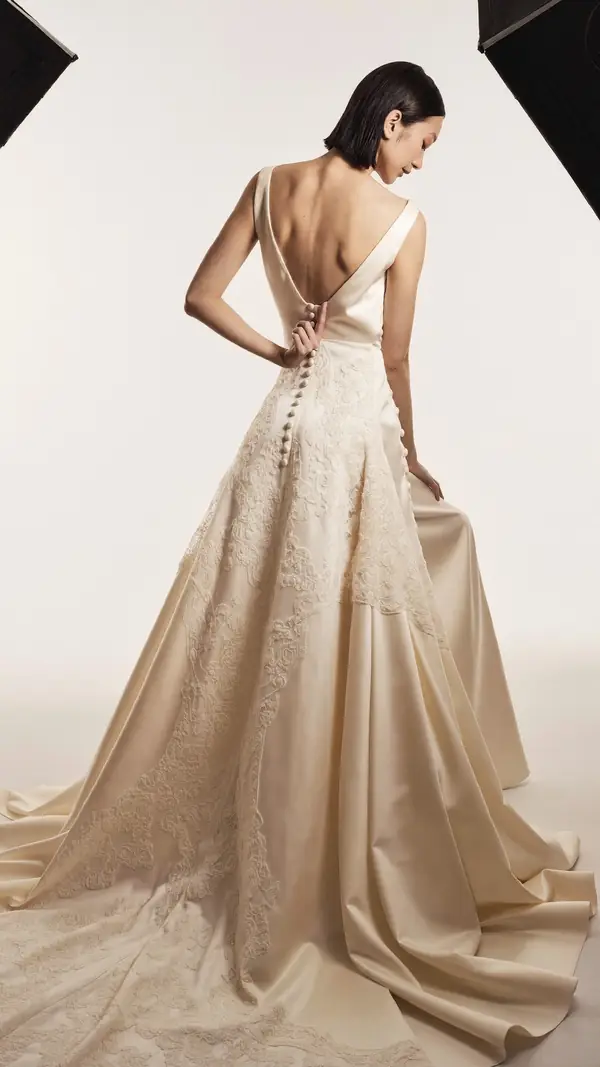
Standing Bride
intermediate- 1Look back over your shoulder
- 2Rest a hand at your waist
- Weight
- Even on both feet
- Shoulders
- 16° drops right
- Hips
- 11° drops right
romantic · studio white · full body
- P-9754
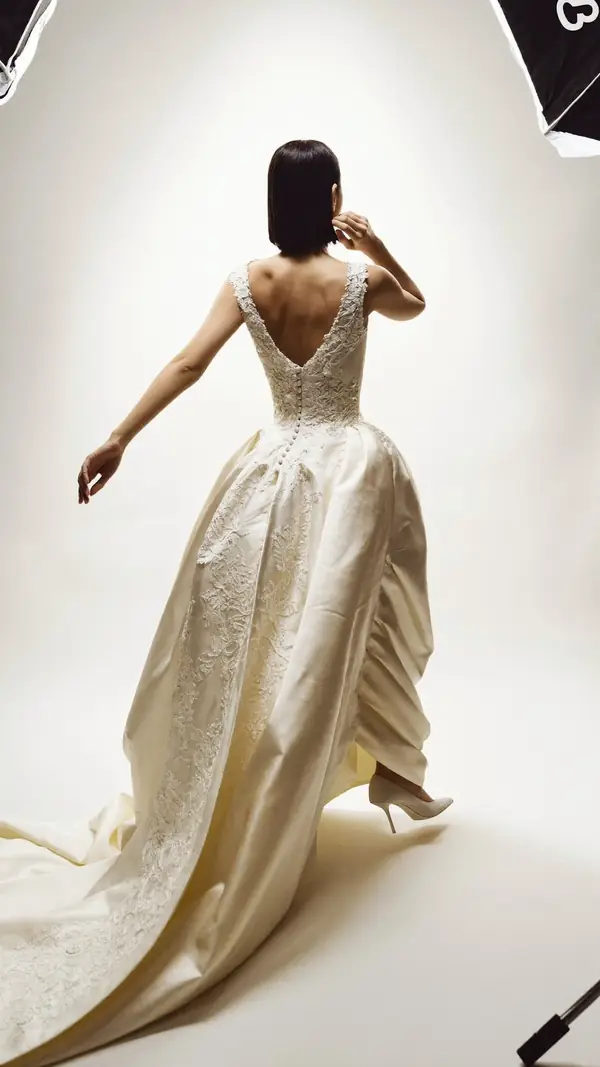
Standing Bride
intermediate- 1Brush a hand past your hair
- 2Let the other arm swing open
- Weight
- On the standing leg
- Shoulders
- 2° drops left
- Hips
- 2° drops right
elegant · studio white · full body
- P-9757
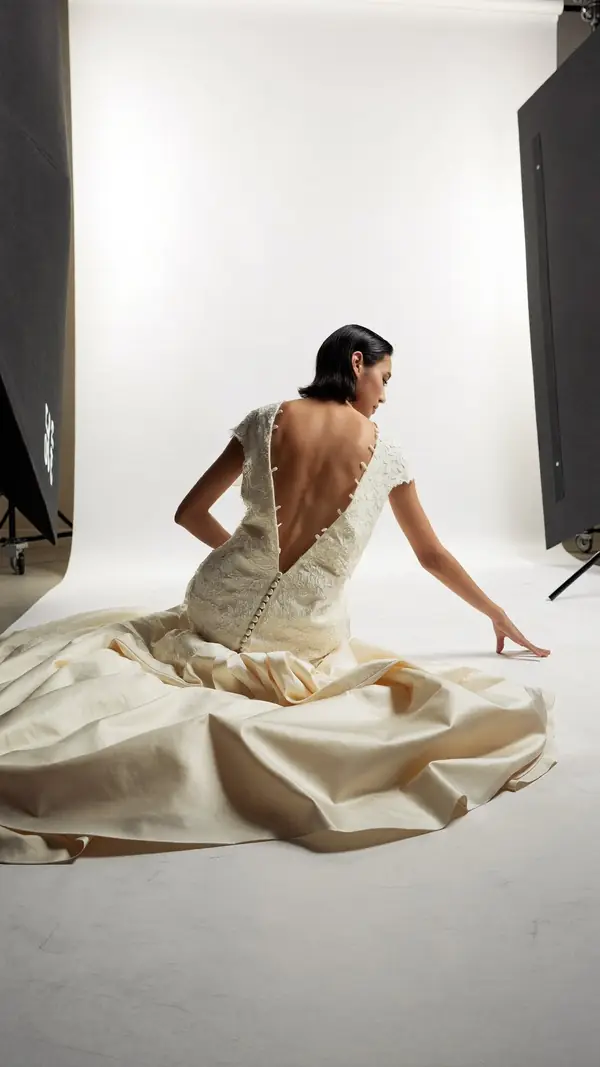
Seated Bride
advanced- 1Press the fingertips into the floor
- 2Turn your face over the shoulder
- Weight
- Seated on the floor
- Shoulders
- 13° drops right
- Hips
- 20° drops right
dramatic · studio white · full body
Boards and On set questions
How do I plan a photoshoot in Poses4You?
To plan a photoshoot, save poses into a board, one board for each shoot. Make a new board straight from the Save sheet, and find every board in the Saved tab.
What is On set?
On set shows a board or a single pose full screen for the person being photographed. The background is true black, the screen stays awake, and you swipe through the poses.
Can my client see the plan before the shoot?
Yes. Plan the shoot on a board and show it to your client ahead of time, so they see the look and feel before the day. You can also share any pose by link or photo.
Can I hide the guide lines on set?
Yes. On set has a switch for the guide lines, so you show the clean pose or the pose with its lines.
Does the screen turn off during the shoot?
No. On set keeps the screen awake, so the pose stays up while you shoot.
Keep exploring
Related pages
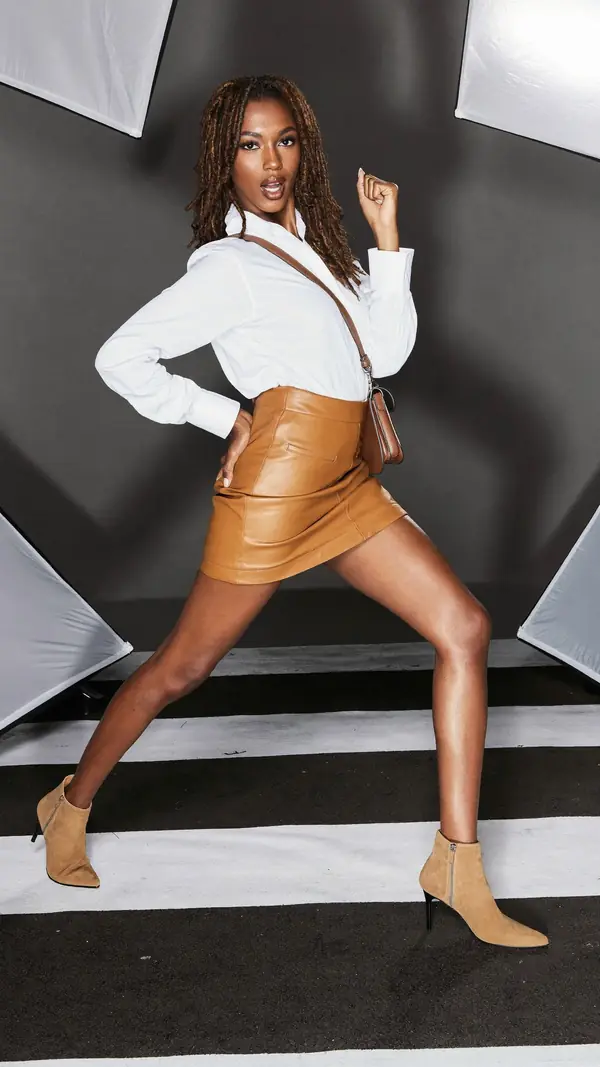 Who it's forFor photographersPlan each shoot on a board, direct with two cues and show poses on set.
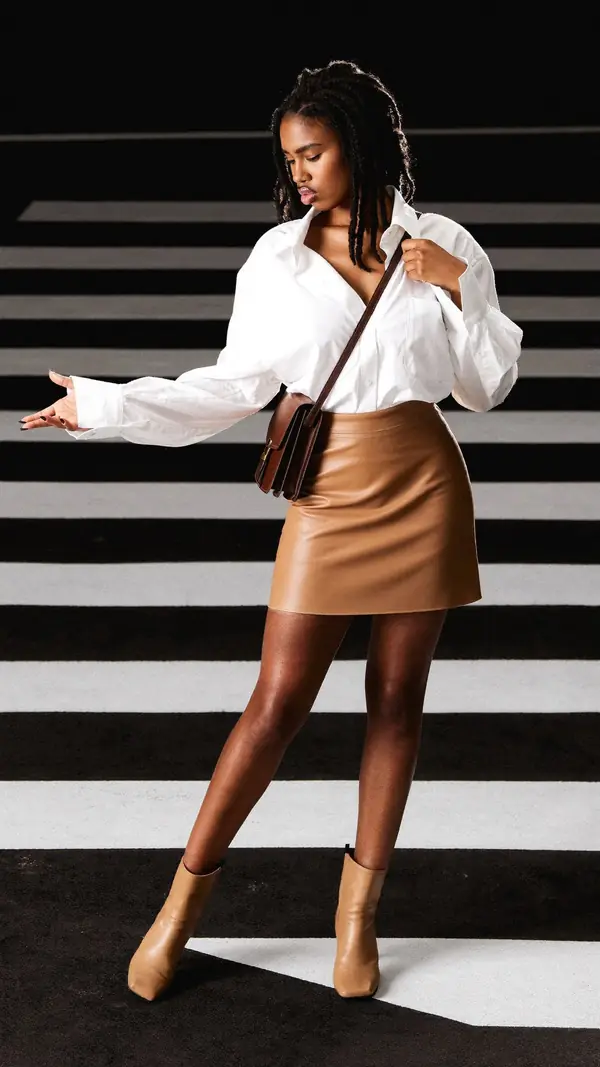
 In the appLive GuideThe pose sits over the live camera view, and Auto capture takes the photo when the pose holds.
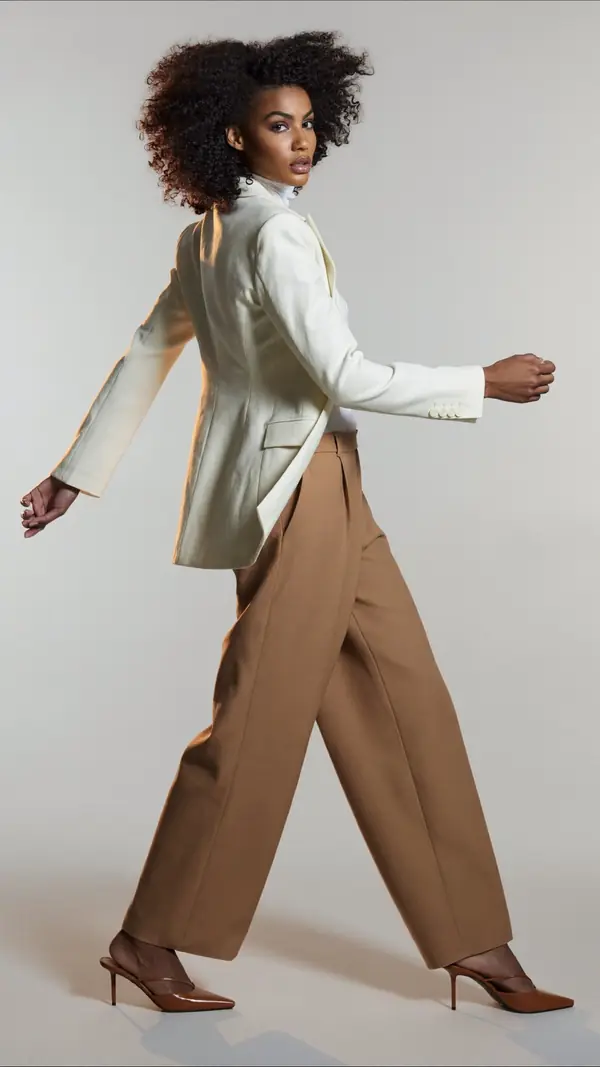 In the appPose FinderAdd a photo and get poses that fit its framing, setting, mood and subject.
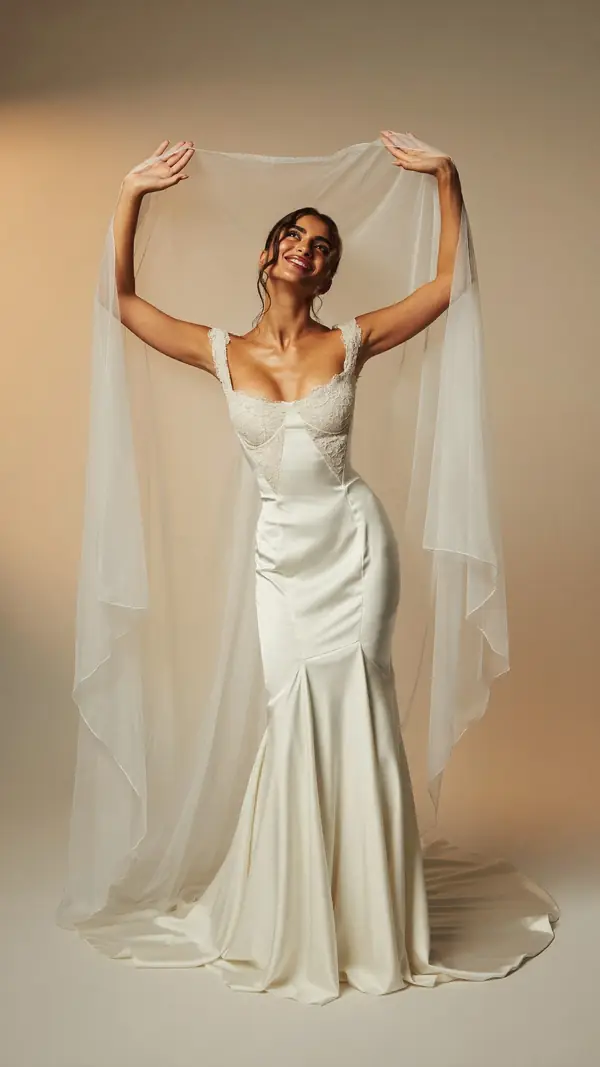 698 posesWedding poses698 wedding poses for the bride, the groom and the couple, each with two cues.
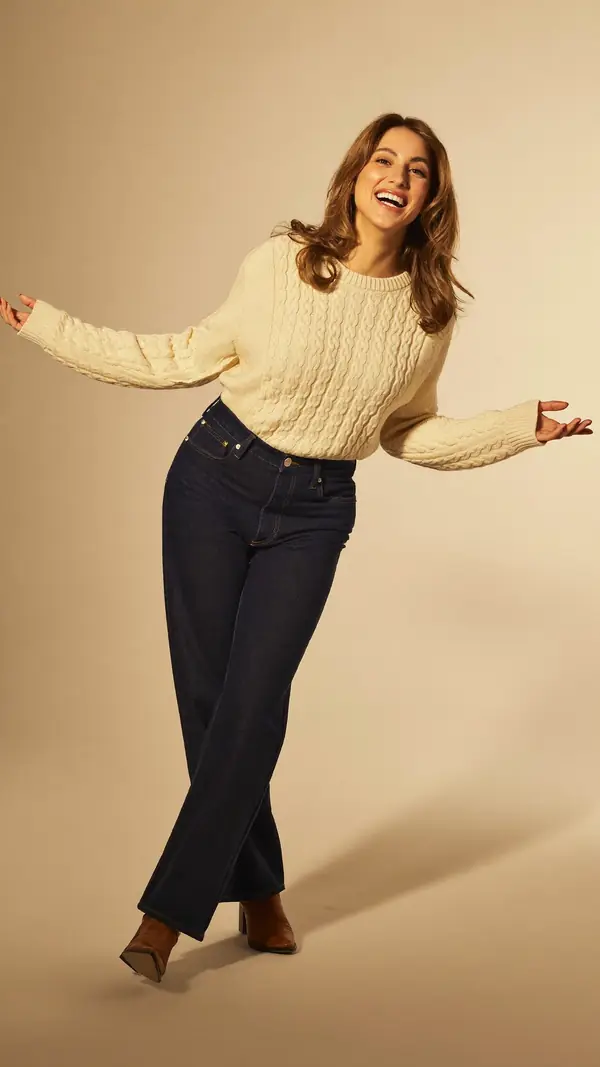
 7 min readPosing for a photoshootPlan your poses, practice them and keep moving on set, with eight intermediate poses to learn.
From pose ideas to directing the shotFrom pose ideas to directing the shot
Free to download on iPhone.